If a golf rangefinder gets wet, speed matters—but heat and power are the wrong kind of speed. The safest priorities are to stop energizing the device, remove exterior moisture, classify the exposure, and avoid actions that drive water deeper or damage seals.
An IP rating is not a blanket waterproof guarantee. It describes tested resistance under defined conditions, and protection can change with age, impact, open covers, damaged seals, pressure, and the type of liquid. Use this guide alongside the exact manual and the broader golf rangefinder troubleshooting process.
First response: what to do now
- Power off. Do not keep taking test readings.
- Disconnect charging. If connected, unplug from the power source first, then the device, provided it is safe to do so.
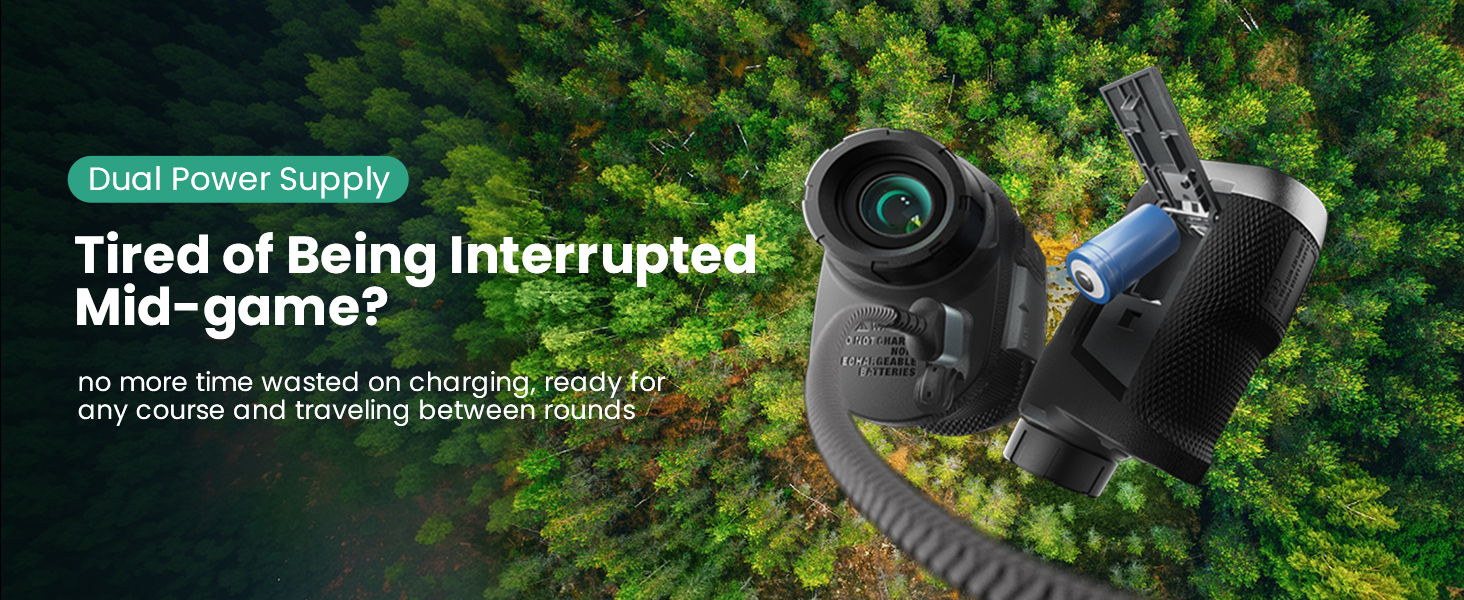
- Remove a user-removable battery only if the manual permits it. Do not open a sealed battery compartment or optical housing.
- Blot the exterior. Use a clean absorbent cloth. Do not shake the device or force air into ports.
- Keep ports facing down when practical. Let gravity help rather than blowing liquid inward.
- Move to a dry room-temperature area. Avoid direct sun, heaters, ovens, hair dryers, and compressed air.
- Do not charge until the device is fully dry and the manual’s conditions are met.
Classify the exposure
| Exposure | Risk level | Recommended response |
|---|---|---|
| Light rain on intact exterior; no port moisture; device works normally | Lower, but not zero | Power off, dry exterior, allow full dry-out before charging |
| Heavy rain, open port cover, or liquid around charging port | Moderate to high | Do not charge; document exposure; follow model support guidance |
| Fog or droplets inside optics/display | Internal moisture suspected | Stop use; do not open housing; contact support if it persists |
| Brief freshwater submersion | High | Do not power or charge; contact support even if it appears to recover |
| Saltwater, pool water, drink, fertilizer, or muddy water | Very high | Stop immediately; residues can remain conductive or corrosive; contact support |
Understand what the IP rating does not say
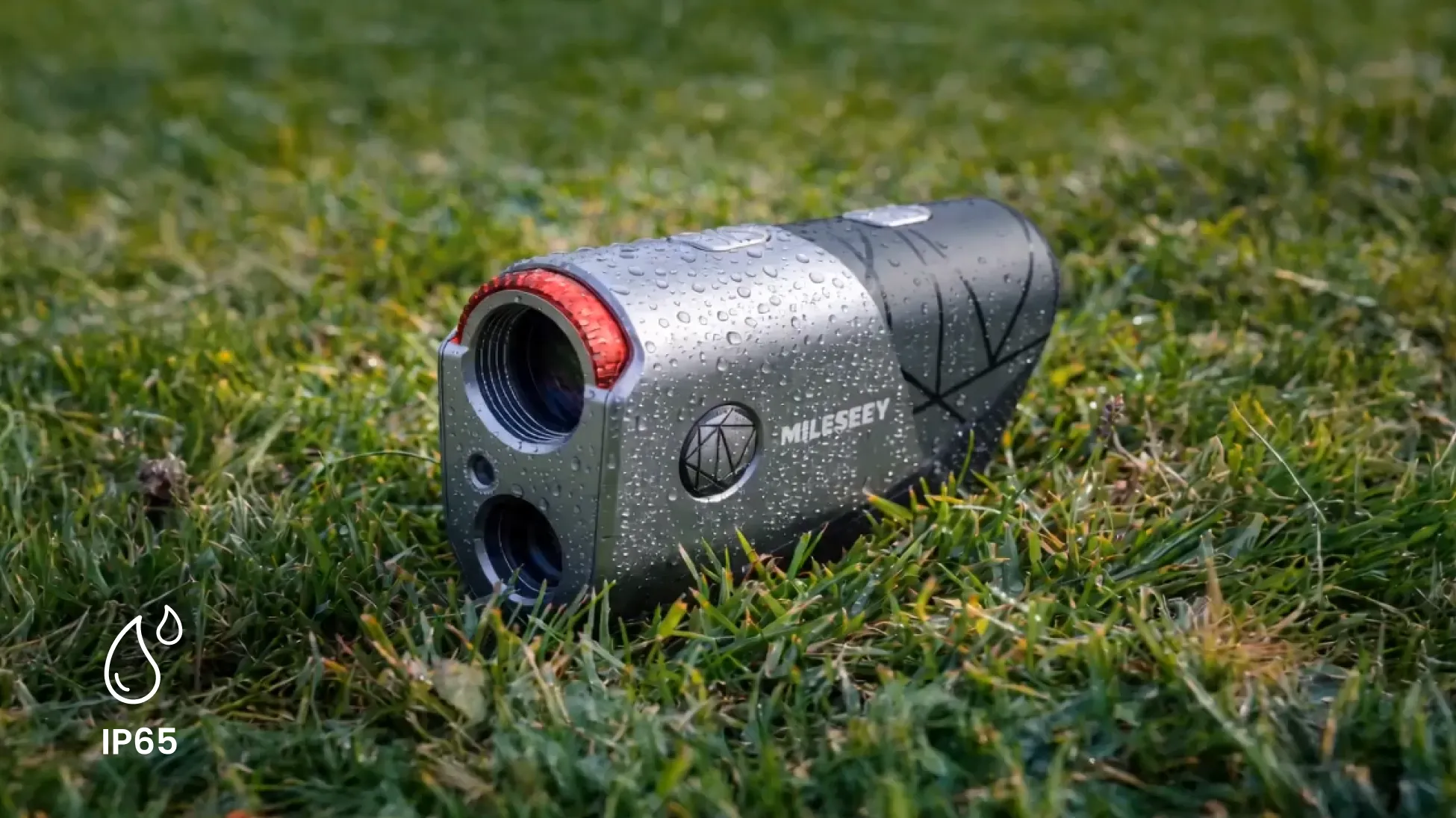
Current official product data lists IP65 for the MILESEEY GenePro G1, MILESEEY GenePro S1, and MILESEEY IONME2. MILESEEY PF260 Tour is listed as IP54. The GenePro G1 support page explicitly describes its IP65 protection as suitable for wet environments but not submersion.
Those ratings are official specifications, not our independent water test. They do not justify intentional soaking, underwater use, charging while wet, or assuming a dropped device retains its original seal performance.
External fog versus internal condensation
Move a cold rangefinder into warm humid air and moisture may condense on the outside. Exterior fog changes when wiped and usually clears as the device reaches ambient temperature. Internal condensation stays beneath the surface, cannot be wiped away, and may form droplets or a fixed cloudy patch.
Do not open the optical housing to reach internal fog. Opening can compromise seals and alignment. The GenePro G1 support page advises a passive moisture-absorption approach for lens condensation and contacting support if it does not resolve. Because model construction differs, follow your exact model guidance rather than applying one remedy universally.
Why heat, shaking, and immediate charging are risky
- High heat can deform plastics, damage coatings and adhesives, age the battery, or move moisture deeper as air circulates.
- Shaking can spread liquid into areas that were previously dry.
- Compressed air can push moisture and grit past seals.
- Charging energizes circuits and adds heat while conductive moisture may still be present.
- Disassembly can damage seals, optical alignment, and warranty coverage.
Editorial simulation: rain shower versus cart-path puddle
This is a simulated scenario used to explain the decision boundary; it is not a first-party water test.
Device A is used briefly in rain, kept upright, has closed port covers, shows no internal fog, and is dried externally. Device B falls into a cart-path puddle, is retrieved after several seconds, and later shows haze inside the eyepiece.
Device A still should be powered down and allowed to dry before charging. Device B should not be powered “just to check.” Internal haze plus submersion is evidence of ingress, so the correct action is documentation and support—not a home test cycle.
After drying: the controlled restart
Only attempt a restart when all exterior surfaces and ports are visibly dry, the device has stabilized at room temperature, the manual allows it, and there was no submersion, contaminated liquid, battery warning, or internal moisture. Use the normal power command. Do not connect charging first unless the manual requires it.
If it starts, test display and buttons before firing repeated laser measurements. Then take one reading on a large stationary target. Stop if the device flickers, heats, smells unusual, shows missing display segments, or behaves differently under load. For a failure to power, use the safe power diagnostic only if the exposure did not trigger the stop rules.
When the device appears recovered
Apparent recovery does not erase a high-risk exposure. Moisture can leave residue or corrosion that appears later. Record the date, liquid type, duration, port-cover state, symptoms, and drying actions. Watch for delayed battery drain, intermittent buttons, display haze, charging instability, or inconsistent readings.
If distance behavior changed after exposure, run the seven-check baseline and tell support that moisture exposure preceded the symptom. If the display remains cloudy, use the display isolation test only to document the fault—not to justify opening the device.
When this advice does not apply
Do not use a home dry-out routine as a substitute for service after saltwater, pool chemicals, sugary drinks, mud, submersion, battery damage, or internal liquid. Do not handle a leaking battery without appropriate safety guidance. If the device is hot, swollen, smoking, or producing odor, move away and follow emergency battery-safety procedures.
Prevent the next exposure
- Close port and battery covers before the round.
- Store the device in a protective case when not measuring.
- Do not leave it attached to a cart in a downpour.
- Let a cold device warm gradually inside its case to reduce sudden condensation.
- Inspect seals and covers after a drop.
- Keep charging cables dry and charge indoors.
If you need a case or carrying solution that is specifically listed for your device, check the MILESEEY Golf accessories collection and confirm compatibility before purchase. A case reduces exposure risk; it does not upgrade the device’s IP rating.