A “blurry rangefinder” can describe four different faults: the course image is out of focus, the reticle or numbers are out of focus, everything is hazy, or the display is sharp but too dim to read. Each has a different fix. Turning the eyepiece cannot solve a dead display, and wiping the lens cannot solve an internal focus or alignment problem.
Use this isolation test before cleaning aggressively or assuming the device is broken. For other symptoms, use the complete golf rangefinder troubleshooting guide.
The 60-second isolation test
- Move to a dry, shaded outdoor area and choose a large target at moderate distance.
- Remove sunglasses if they interfere, but keep prescription eyewear you normally use unless the manual says otherwise.
- Close one eye and view the scene without measuring.
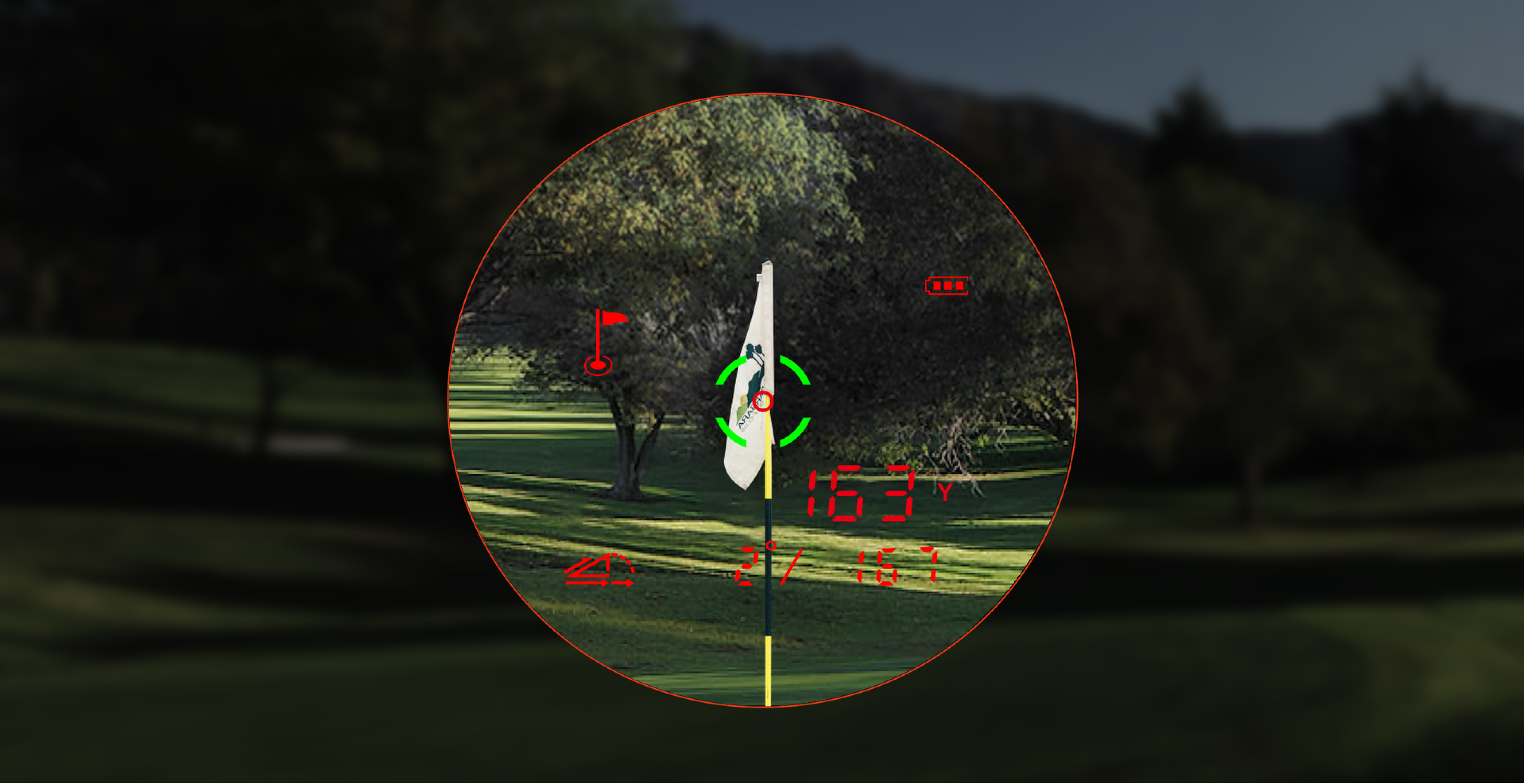
- Activate the display and ask whether the real-world scene, reticle/numbers, or both are blurry.
- Switch eyes and repeat. Do not press the device hard into the eye socket.
- Check whether the issue changes with display brightness or the model’s display mode.
| What is blurry or dim? | Likely category | First action |
|---|---|---|
| Scene only; numbers sharp | Diopter/focus, viewing position, exterior lens film, or optical path | Slow diopter adjustment, then approved exterior cleaning |
| Numbers only; scene sharp | Diopter relationship, display setting, or internal display | Adjust diopter slowly; verify brightness/color mode |
| Both scene and numbers | External contamination, condensation, viewing issue, or optical fault | Inspect both exterior surfaces; stop if haze is internal |
| Sharp but dim | Brightness/display mode, low power, strong backlight, or display hardware | Shade eyepiece, check setting and battery |
| Missing segments, flicker, or color blocks | Display/electronic fault | Document and contact support |
Adjust the diopter without chasing focus
The eyepiece diopter helps match the optical system to your eye. Make small adjustments while looking at a stable target. Pause after each movement. If you spin from one extreme to the other quickly, your eye keeps refocusing and makes the result harder to judge.
Set the reticle or numbers first, then confirm the scene. If one becomes sharp while the other never does, record that difference. A diopter cannot repair missing display segments, internal fog, a shifted lens, or a cracked optical component.
Separate brightness from focus
A display can be perfectly focused yet unreadable against the sky. Shade the eyepiece with your hand without covering the objective lens. If the numbers become visible, contrast or brightness is the main problem. Check the documented display setting rather than turning the focus ring again.
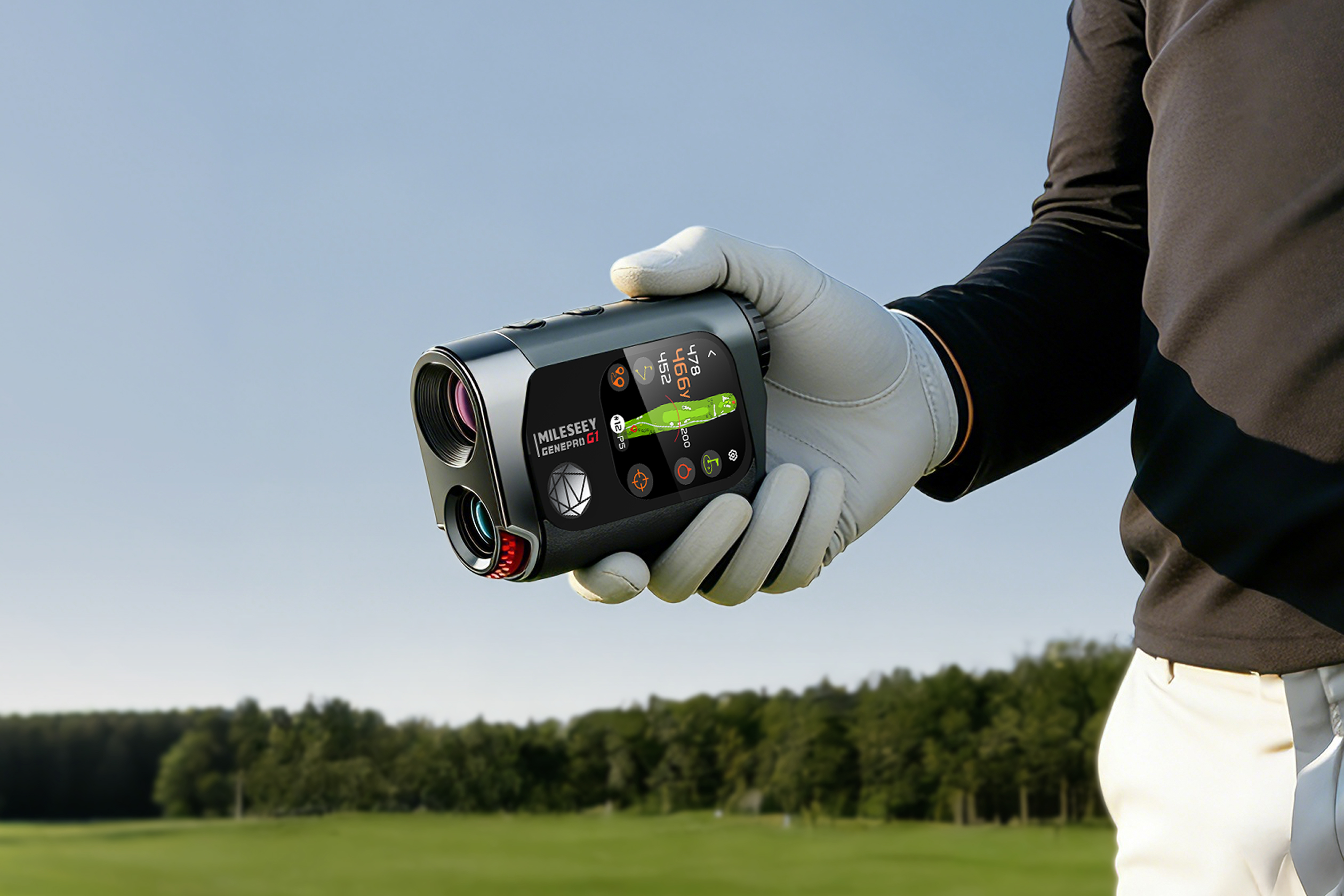
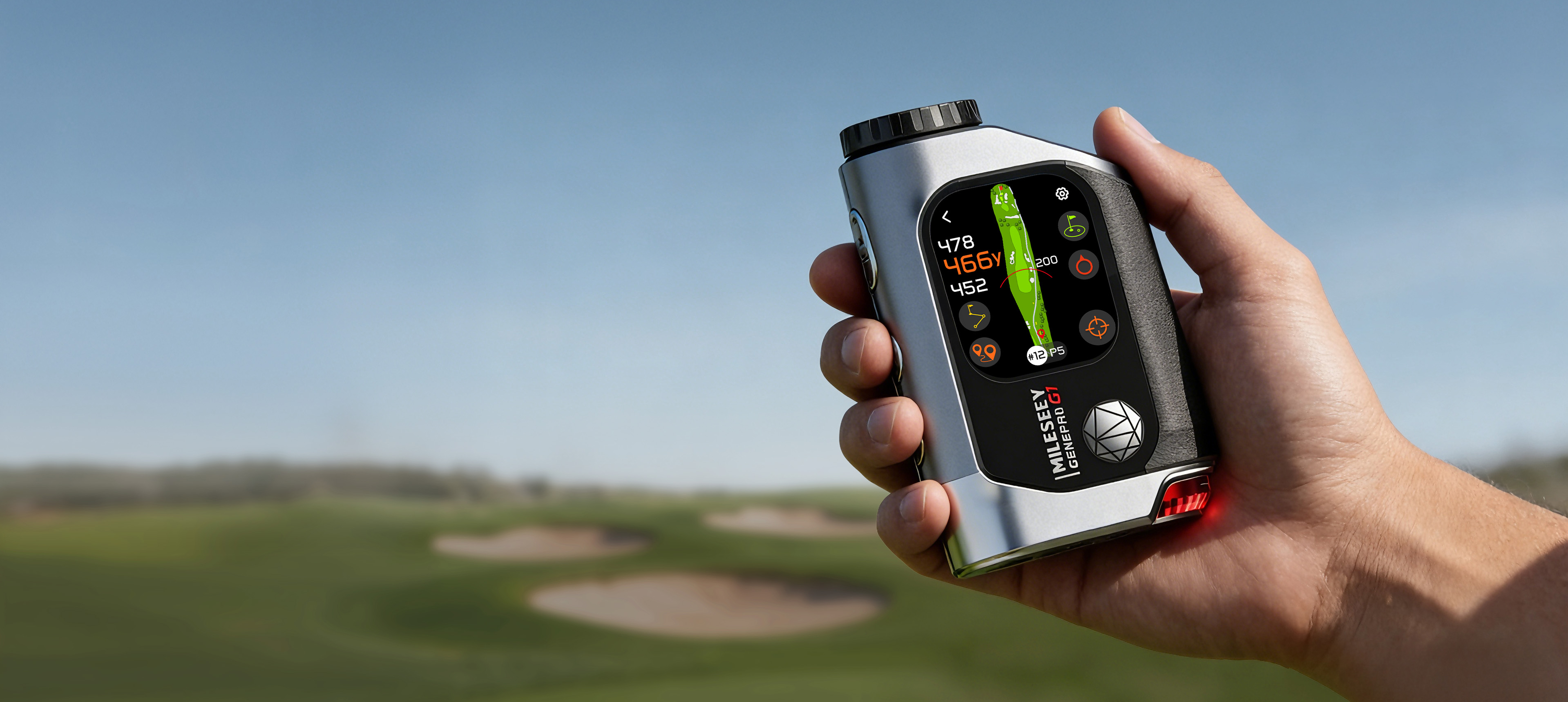
The MILESEEY GenePro G1 combines a 2.13-inch AMOLED touchscreen with a dual-color OLED range display according to current official specifications. MILESEEY GenePro S1 uses a dual-display approach that the official support page describes as red OLED in low light and black LCD in bright light. Those systems create different brightness and visibility questions; use the exact model instructions.
Clean only when the symptom points outside
First use a blower or gentle air method approved for optics to remove loose grit. Then use the included clean cloth or suitable lens tissue. GenePro G1’s official support guidance says to apply lens-cleaning fluid to the cloth or tissue, not directly to the device. Wiping dust in circles with a shirt can drag grit across coatings.
Inspect the objective and eyepiece under angled light. A smear that changes when wiped is external. A cloudy patch that remains fixed beneath the surface may be internal condensation or coating damage. Do not open the housing to reach it.
Editorial simulation: sharp trees, fuzzy numbers
This is a simulated diagnostic example, not a report of a real product test.
A golfer sees trees clearly, but the yardage digits bloom and double. Cleaning the objective changes nothing. The correct next step is not more cleaning because the scene is already sharp. The golfer shades the eyepiece, lowers display brightness, and adjusts the diopter in small increments while looking at the digits.
If the digits become sharp, the issue was display/eye setup. If they remain doubled in both eyes while the scene stays sharp, the evidence points toward an internal display or optical alignment problem. That is a support case, not a home repair.
Check power when the display is unstable
A low or unstable power supply can make a display dim, flicker, or disappear under load. Confirm a full model-appropriate charge or known-good correct battery. If the device works only on a cable, powers off during measurement, or becomes hot, stop and follow the safe power diagnostic.
When moisture is the likely cause
Internal haze often looks different from a fingerprint: it does not move when the exterior is cleaned, may change with temperature, and can appear after rain or moving a cold device into humid air. Power down. Do not charge while moisture may be present, do not use high heat, and follow the wet rangefinder recovery steps.
What usually goes wrong
- Adjusting focus when the real problem is brightness or backlight.
- Cleaning the objective when only the digital numbers are blurry.
- Applying liquid directly to the lens or device.
- Using paper towel, a shirt, or a dirty microfiber cloth.
- Opening the housing to remove internal haze.
- Ignoring the possibility that one eye has a different correction need.
When this advice does not apply
Stop after a drop, cracked lens, rattling internal part, visible liquid, burned smell, or sudden display failure. Do not use this routine as permission to disassemble optics or electronics. Prescription vision changes can also mimic device focus problems; if several optical devices suddenly look wrong in the same eye, consider an eye-care check rather than altering every device.
Support evidence checklist
- Exact model and serial number
- Whether the scene, reticle, numbers, or all elements are affected
- Whether the issue occurs in both eyes
- Brightness and display mode used
- Battery state
- Recent rain, temperature change, drop, or impact
- Photo through the eyepiece if it can be taken safely
If the display is clear but the value is implausible, move to the seven-check distance baseline. If the scene is clear but the flag is difficult to capture, use the flag-lock drill.