A golf rangefinder that suddenly goes dark, reports a strange number, or locks onto trees instead of the pin does not automatically need replacing. Most problems fall into five buckets: power, settings, target technique, environment, or hardware. The fastest path is to identify the bucket before changing several things at once.
Our view at Mileseey Golf is simple: troubleshoot from the least invasive test to the most consequential decision. Do not reset, open, charge, or replace parts until the symptom gives you a reason. This guide provides that sequence for laser and hybrid MILESEEY Golf rangefinders, while the logic also applies to many other golf rangefinders. Always defer to your exact model manual.
Start here: the five-minute baseline
Run the baseline in a dry, open area during daylight. Choose a large, stationary target with a flat face—such as a clubhouse wall or a large course sign—at a moderate distance. Avoid glass, water, moving carts, and a flag backed by trees for this first test.
- Confirm power. Check the battery indicator, cable or removable battery seating, and whether the device stays on for at least one minute.
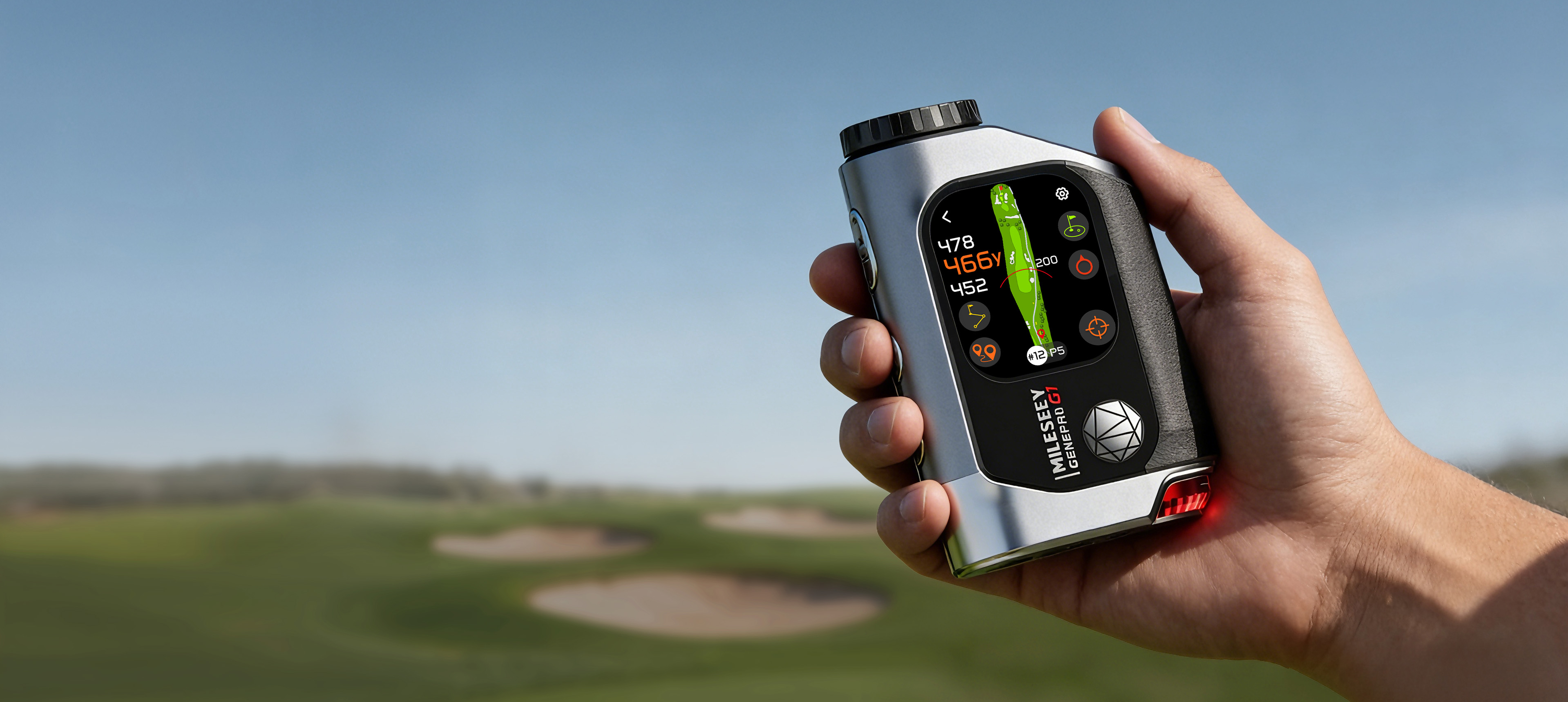
- Confirm units. A yards-versus-meters change can look like a serious accuracy failure. On the MILESEEY GenePro G1, units are changed in Settings; the official support page also lists yards and meters as supported units.
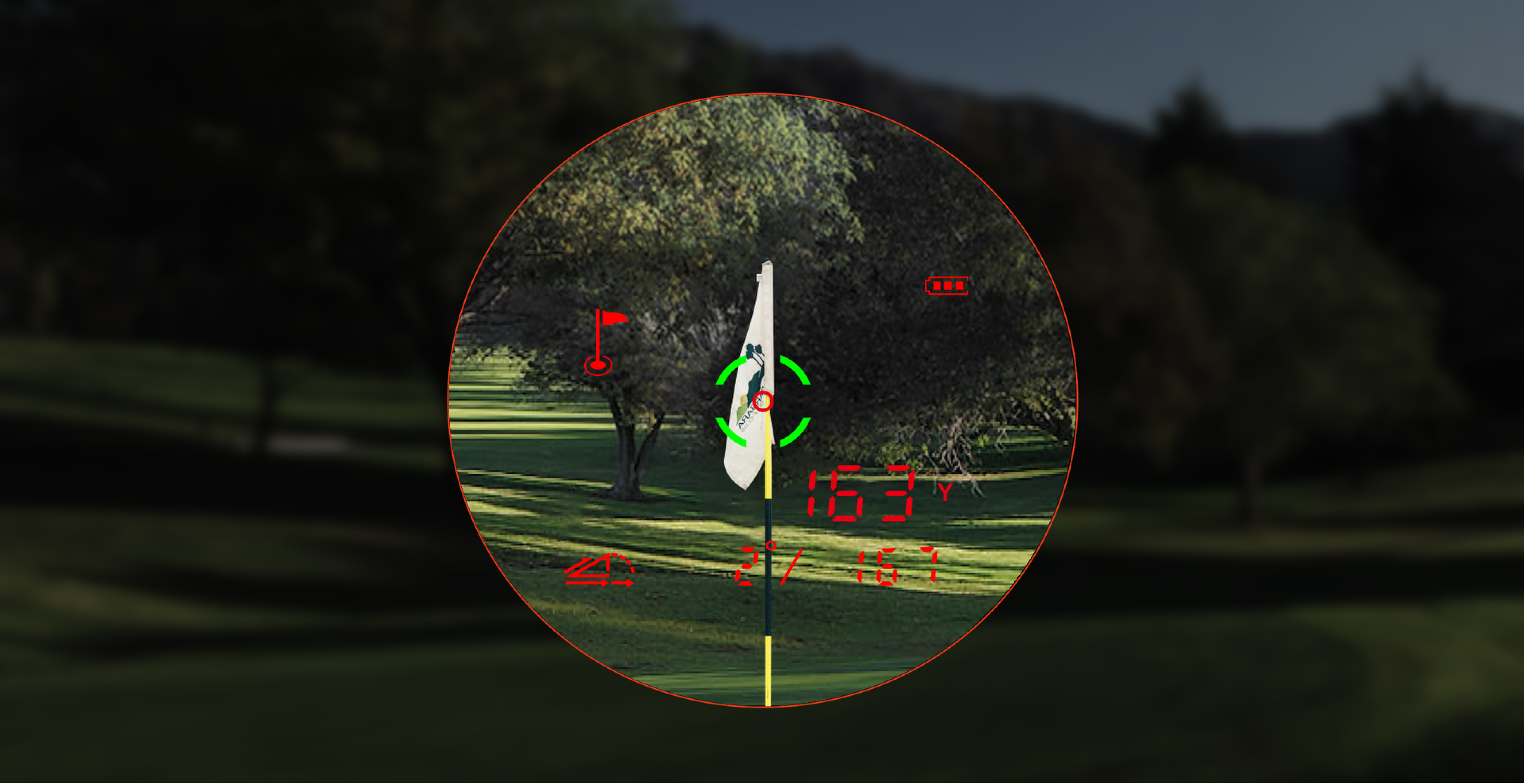
- Turn slope off for comparison. Compare direct line-of-sight distance first. Slope-adjusted or “play-as” distance answers a different question.
- Take five readings. Re-aim each time. Record the values instead of trusting an impression.
- Change one variable. If readings vary, brace your hands, choose a larger target, enable the model’s rain/fog mode when appropriate, or test at a shorter distance—but change only one factor at a time.
| What you observe | Most likely bucket | Next article |
|---|---|---|
| No power, intermittent power, or no charging response | Battery, cable, charging source, temperature, or hardware | Rangefinder won’t turn on |
| Stable readings that are implausible | Units, slope mode, target selection, or model mode | Rangefinder gives the wrong distance |
| Background distance appears instead of pin distance | Aim, scan method, contrast, weather, or flag-lock range | Rangefinder won’t lock the flag |
| Scene is sharp but numbers are blurry—or the reverse | Diopter, brightness, battery, lens, or internal display | Blurry or dim display |
| Fog inside the optics, charging-port moisture, or failure after rain | Moisture exposure or internal ingress | Wet rangefinder recovery |
1. Diagnose power without creating a second problem
“Dead” can mean several different things. A removable battery may be depleted or poorly seated. A rechargeable model may have a bad cable, unsuitable power source, dirty port, temperature lockout, or a deeply discharged battery. An intermittent device may turn off only when a button is pressed or a laser pulse is requested.
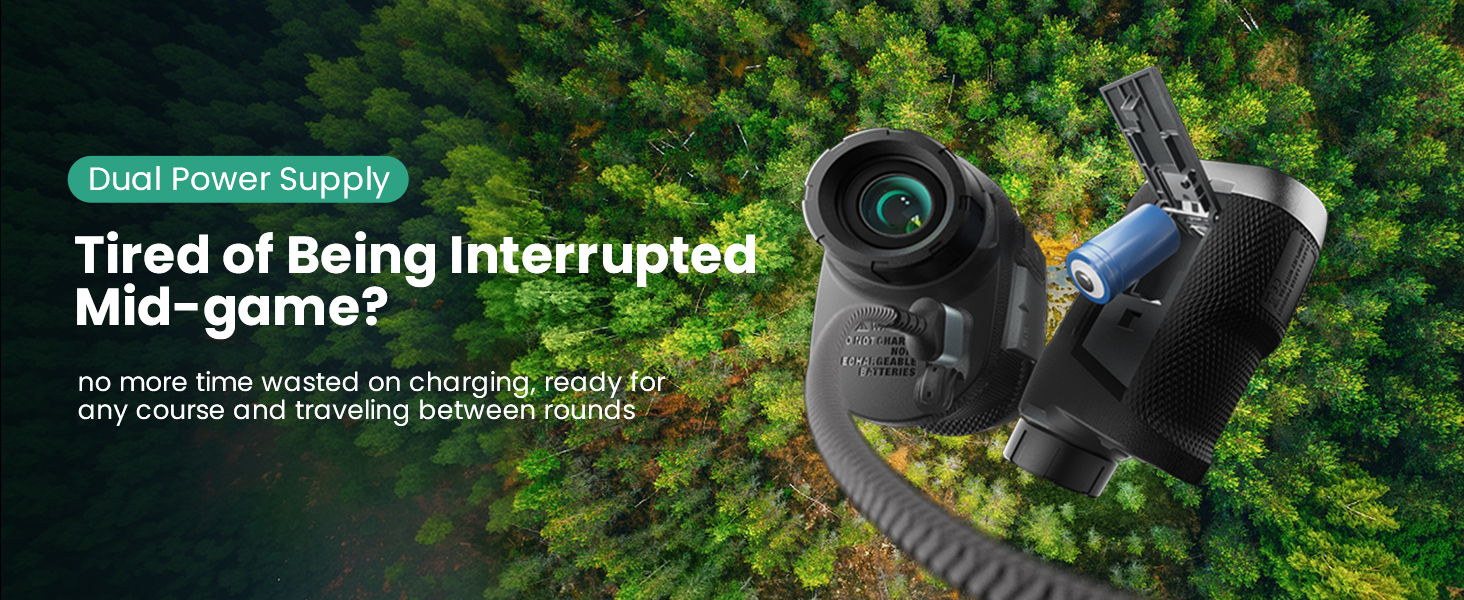
First identify the power architecture. The current product database lists a built-in 1,000 mAh lithium-ion battery with USB-C for GenePro G1, a built-in 500 mAh lithium-ion battery with USB-C for MILESEEY IONME2, and a rechargeable CR2 3V arrangement for MILESEEY PF260 Tour. MILESEEY GenePro S1 also uses a rechargeable CR2 architecture. Those are not interchangeable troubleshooting paths.
Use a known-good compatible cable and ordinary power source only when the model supports cable charging. Inspect the port with the device disconnected; do not insert metal tools. For a removable battery, verify polarity and clean, dry seating. If the device is hot, swollen, smells unusual, or was recently wet, stop. Do not keep charging to “see if it recovers.”
2. Separate a wrong number from a wrong measurement
A laser rangefinder reports the distance to the surface that returned the strongest usable signal. It cannot know that you intended the flag if the laser actually captured a reflective sign, cart, tree trunk, or the ground. Likewise, a hybrid GPS-and-laser device may show several numbers that represent different things: front, center, and back GPS distances; direct laser distance; or slope-adjusted distance.
That is why the baseline uses a large flat target and slope off. If five readings are tightly grouped but disagree with your expectation, check the unit and what the number represents. If they scatter widely, stabilize the device and test a larger, closer target. If the laser is repeatable on the wall but not on a flag, the issue is target acquisition—not general accuracy.
Do not “calibrate” a laser rangefinder with an undocumented button combination found online. The GenePro G1 support instructions describe compass calibration for Pin Pointer when direction is off; that is not the same as altering the laser distance engine. If a repeatable laser result remains outside the model’s published tolerance under controlled conditions, capture the test and contact model support.
3. Treat flag lock as a target-acquisition task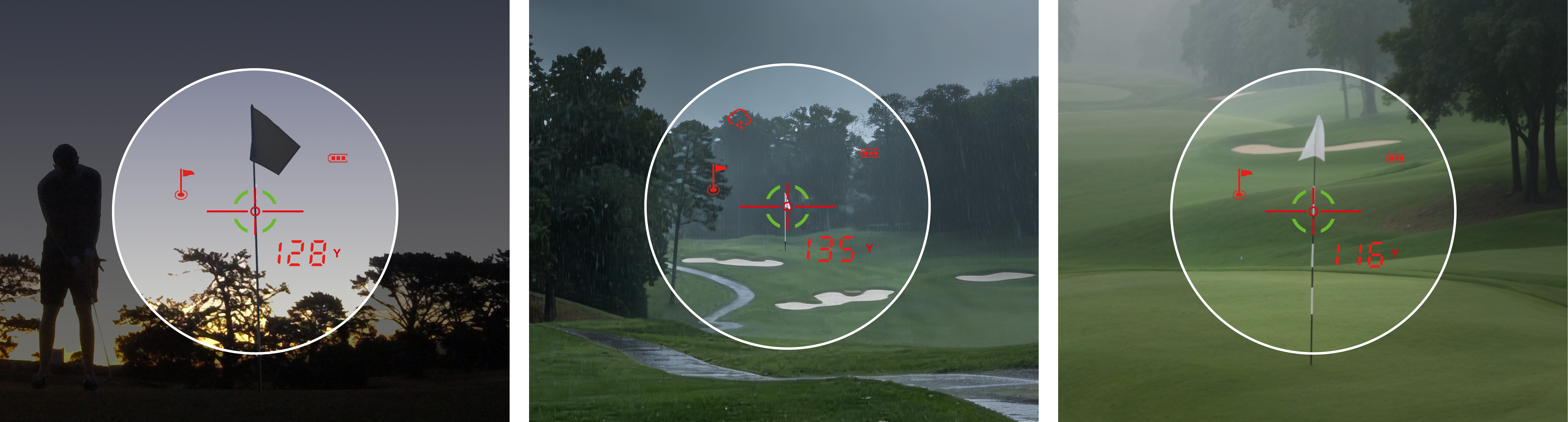
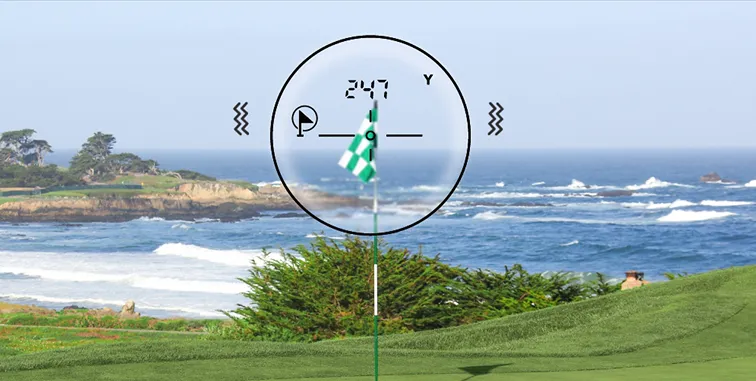
Flags are small, flexible, and often backed by highly reflective or much larger objects. At longer distances, the target occupies fewer pixels in your view and hand movement sweeps the laser across a wider area. A vibration confirms that the device’s lock logic triggered; it does not prove that every reading is the flag.
Brace your elbows, begin on a high-contrast object beside the flag, enter the model’s scan or flag-lock mode, then sweep slowly across the flag. Take a second reading. If the two numbers agree and are shorter than the obvious background, confidence improves. If the background repeatedly wins, shorten the test distance and remove wind or rain as variables.
Published flag-lock ranges are limits under specified product conditions, not promises for every flag, background, weather condition, or user. The current support specifications list up to 350 yards for PF260 Tour, 450 yards for IONME2, 600 yards for GenePro G1, and 690 yards for GenePro S1. A difficult flag near the published maximum is a different test from a high-contrast flag at 120 yards.
4. Isolate the optical scene from the digital display
“Blurry” is too broad to diagnose. Ask four separate questions:
- Is the real-world scene blurry while the reticle or numbers are sharp?
- Is the scene sharp while the reticle or numbers are blurry?
- Are both blurry?
- Are they sharp but too dim or washed out?
Scene-only blur points toward focus, viewing distance, an external lens film, or an optical issue. Reticle-only blur often points toward the eyepiece/diopter relationship or an internal display issue. A sharp-but-dim display suggests brightness, display mode, or power rather than focus. Internal haze that does not wipe away is not a cleaning problem.
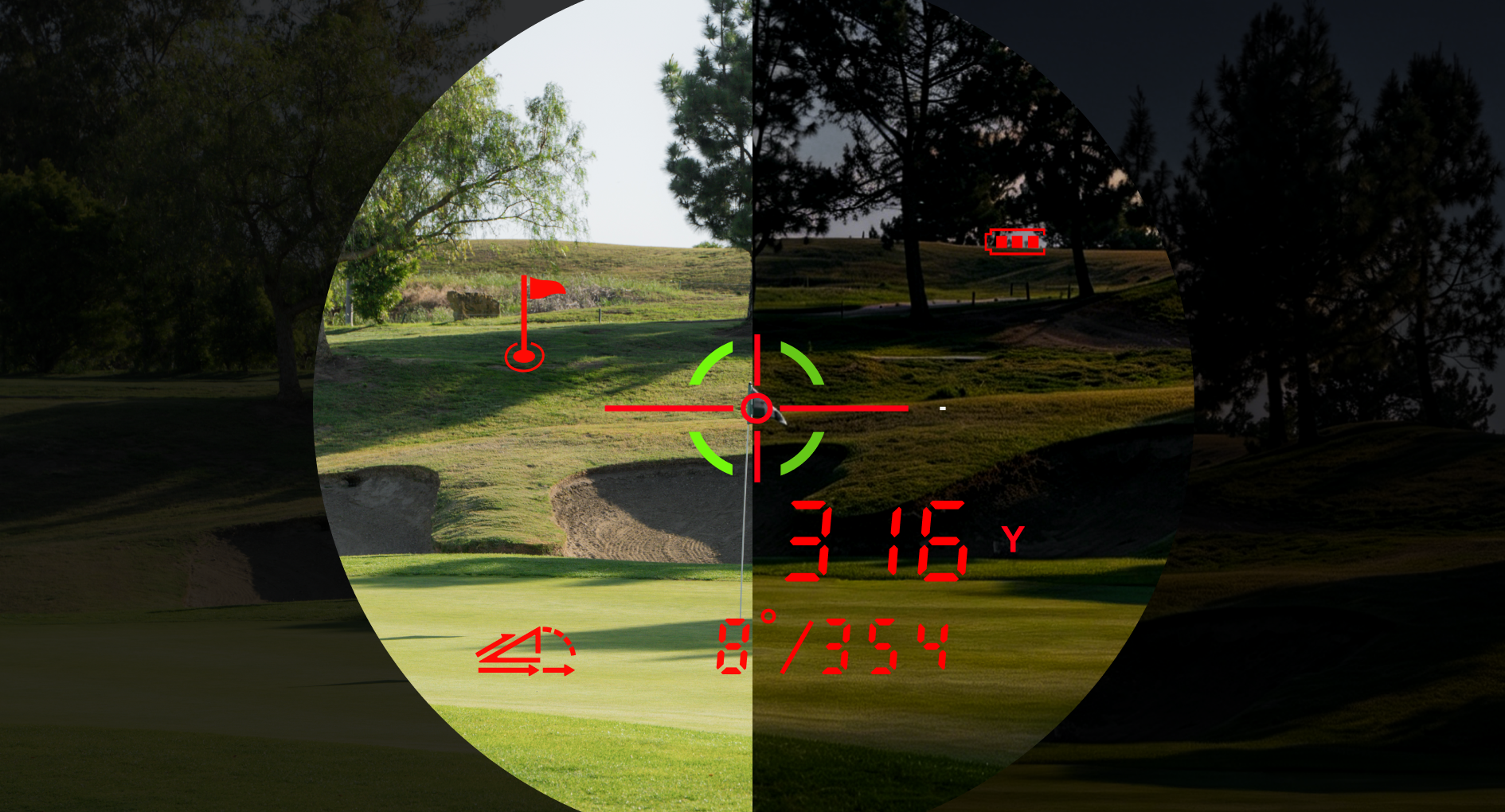
Adjust the diopter slowly while viewing a plain target, then clean only according to the model instructions. GenePro G1 support advises removing loose debris first and applying lens fluid to lens tissue or cloth—not directly to the device. Never open the optical housing to clean an internal surface; that can damage seals and alignment.
5. Classify moisture by severity, not by the word “waterproof”
An IP rating describes tested resistance under defined laboratory conditions. It is not permission to charge a wet device, submerge it, or assume seals remain perfect after impacts and age. Current official specifications list IP65 for GenePro G1, GenePro S1, and IONME2, while PF260 Tour is listed as IP54. These ratings represent different protection levels and do not make any of the devices dive-proof.
For exterior rain only, power off, dry the outside, open covers only as the manual allows, and let the device reach a dry room temperature before charging. For fog inside the lens, liquid in the port, a drop into water, or new malfunction after exposure, stop normal use. Do not use a hair dryer, oven, or direct high heat. Do not open a sealed optical body.
The stop rules: when home troubleshooting ends
Stop and contact support when any of the following is true:
- The battery is swollen, leaking, unusually hot, or producing odor.
- Liquid is visible in a charging port or inside the optics.
- The device was submerged or exposed to saltwater.
- A crack, impact, or loose internal part appeared before the symptom.
- The device fails the same controlled test after one full, model-appropriate power cycle.
- A repeatable laser result remains outside the documented accuracy tolerance.
- The display has missing segments, flicker, or internal haze that focus and exterior cleaning cannot change.
Prepare evidence before contacting support: model and serial number, purchase date, exact symptom, when it began, battery or charging source used, weather and exposure history, photos or video, and the five baseline readings. A reproducible test is more useful than “it sometimes acts weird.”
When this guide does not apply
This process does not replace the model manual, warranty instructions, or professional repair. It is not appropriate for a visibly damaged battery, submerged electronics, cracked optical body, or a device that has been opened. It also cannot validate a laser against a GPS number without accounting for different targets: GPS front/center/back distances and laser line-of-sight distance are not inherently supposed to match.
Practical checklist before the next round
- Charge or install the correct battery according to the model.
- Confirm yards/meters and slope state.
- Clean only the exterior lens surfaces with approved materials.
- Run five readings on a large stationary target.
- Run two flag-lock readings at a moderate distance.
- Confirm the display is sharp and readable in daylight.
- Keep the device dry and protected in transit.
- Save the correct support page or manual on your phone.
If the fault is really a mismatch between your use case and the device—not a defect—compare documented capabilities across the golf rangefinder collection. If the model should pass the test but does not, use the relevant product support page before considering replacement.