-10.png?w=1098&h=640)
A cart makes a large GPS screen easy to see, but it also creates the central problem in this category: the yardage stays with the cart when your ball does not. The best cart setup balances shared visibility with what happens on cart-path-only holes, around greens and whenever two players walk in different directions.
This is one branch of the broader golf GPS selection guide. Here the deciding variable is cart separation.
Four ways to put GPS on a cart
| Setup | Strength | Limitation |
|---|---|---|
| Course-installed screen | Large shared map, no personal charging | Available only on equipped carts and stays with cart |
| Phone mount | Uses an app you may already own | Phone exposure, heat and battery sharing |
| Magnetic portable GPS | Fast viewing and transferable between carts | Mount security and off-cart carry |
| GPS speaker with removable display | Shared map and audio, with portable yardage when detachable | More size and cost than a simple handheld |
Calculate your Cart Separation Score
Add one point for each condition that happens in a normal month: cart-path-only rules; frequent walking to a ball across the fairway; two riders whose balls finish far apart; approach shots from outside the cart's permitted area; leaving the cart near a green while carrying wedges.
A score of zero or one favors a fixed or mounted display. Two or three favors a portable unit that can leave the cart. Four or five makes detachability or a pocketable handheld a primary requirement.
Mounting is a safety and usability issue
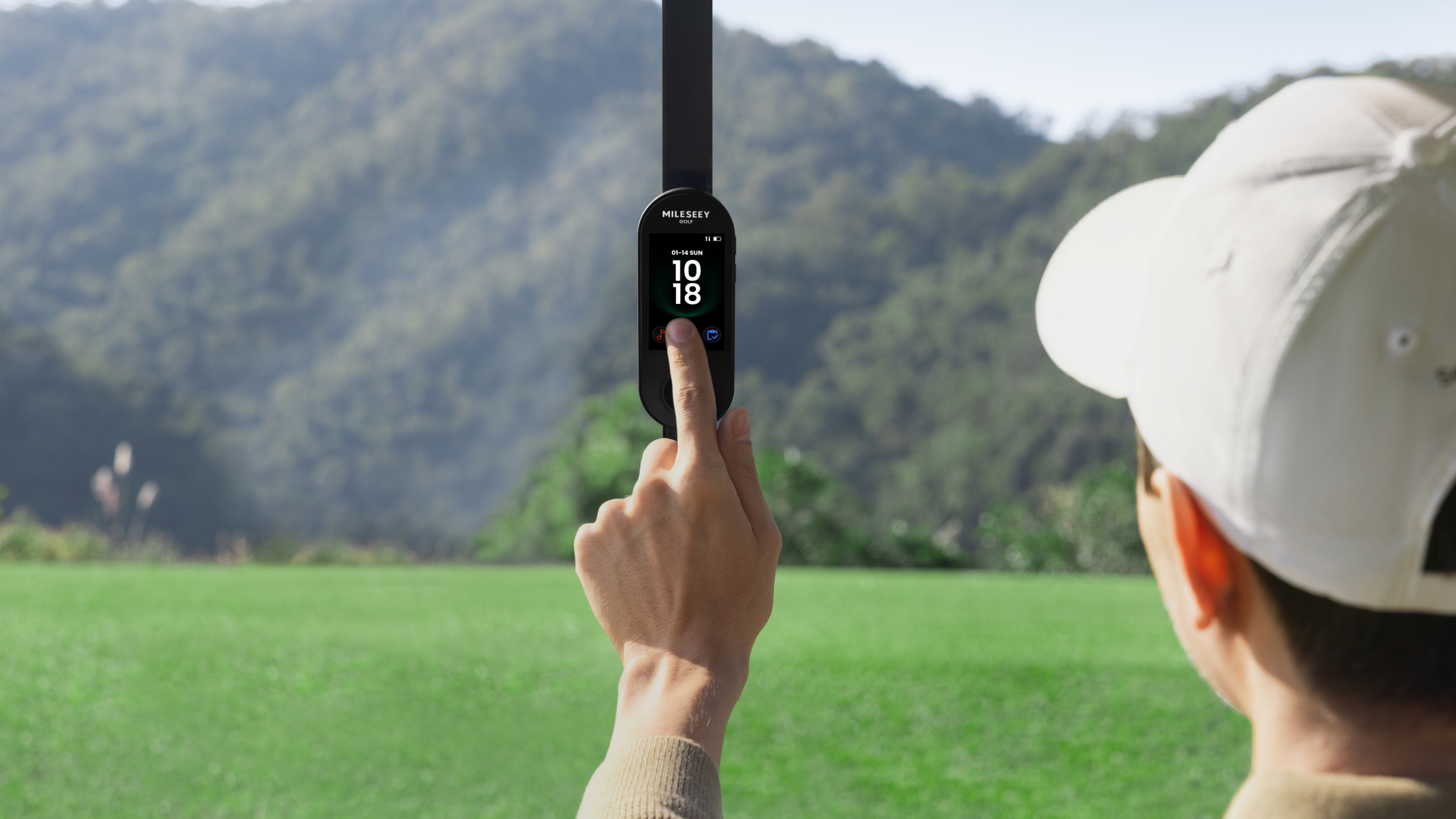
A magnet is useful only when the mounting surface is suitable, the device sits flat and controls remain reachable. Check the product instructions, remove grit between surfaces and use a tether or case where appropriate. Do not assume every cart frame or plastic upright provides a secure magnetic surface.
Power planning
A cart USB port can be convenient, but availability and output are not guaranteed. Start with a charged device and treat cart power as backup. Route cables away from steering, pedals, entry points and rain. If the setup powers audio and a bright map, build more battery margin than you would for a simple yardage display.
Shared screen or personal device?
A shared screen works when both golfers can agree on pace and targets. A personal handheld is better when each player needs information at a different location. Our handheld GPS buying guide covers the carry-first alternative.
Relevant MILESEEY configurations
Within the golf GPS range, the MILESEEY GeneSonic Pro Detachable Golf GPS Speaker uses a cart-oriented speaker body and a removable 3-inch GPS module. Official specifications list 43,000+ courses, IP67 protection and up to about 15 hours at 50% volume in Golf mode. Runtime changes with volume and use.
-7.png?w=1098&h=578)
The MILESEEY GeneSonic Go Golf GPS Handheld is the lighter dedicated alternative at an official 110 g. It can be carried or mounted without the speaker component.
Editorial simulation
Scenario: Two riders play a wet course under cart-path-only rules. Player A is 40 yards left of the path; Player B is 25 yards right. A fixed screen gives both a starting picture, but neither has live distance at the ball. A removable handheld lets one player carry the map while the other uses course markers. The point is not that detachable always wins; it wins when separation is predictable.
When a cart GPS is unnecessary
If you walk most rounds, play a familiar course or use only one center-green number, a watch or compact handheld may be simpler. If you need exact visible-flag distance, pair GPS context with a legal laser rather than expecting a mapped target to represent the daily pin exactly.
Buying checklist
- Score how often you leave the cart.
- Verify mount compatibility and retention.
- Confirm screen visibility for both riders.
- Plan power without relying on the cart.
- Check map updates and phone requirements.
- Choose detachability if cart separation is common.