-9.jpg?w=3840&h=1860)
When a golf rangefinder will not turn on, the safest first question is not “Which battery should I buy?” It is “What type of power system does this exact model use?” A sealed USB-C model, a removable disposable CR2 model, and a rechargeable CR2 model need different checks. Treating them as interchangeable can waste time or damage the device.
This guide covers a controlled power diagnosis. For the complete symptom map, start with the golf rangefinder troubleshooting guide.
First, stop if you see a battery safety warning
Do not charge or continue testing if the device or battery is swollen, leaking, unusually hot, cracked, producing odor, or recently exposed to liquid. Move it away from combustible material without touching leaking contents, follow local battery disposal guidance, and contact the manufacturer. Do not puncture, squeeze, open, or heat the battery.
The same stop rule applies if liquid is visible in the charging port. Drying the exterior is not proof that the inside is safe to energize.
Identify your power branch
| Power design | What to check first | What not to assume |
|---|---|---|
| Built-in battery with USB-C | Cable, power source, port condition, charge time, temperature | A cable that charges a phone necessarily works correctly with every device |
| Removable disposable battery | Correct chemistry/voltage, polarity, freshness, terminal contact | A partly used battery is “good enough” because a tester shows some voltage |
| Rechargeable removable battery | Exact battery specification, compatible charging method, seating, spare battery test | Every CR2-shaped battery is rechargeable or electrically equivalent |
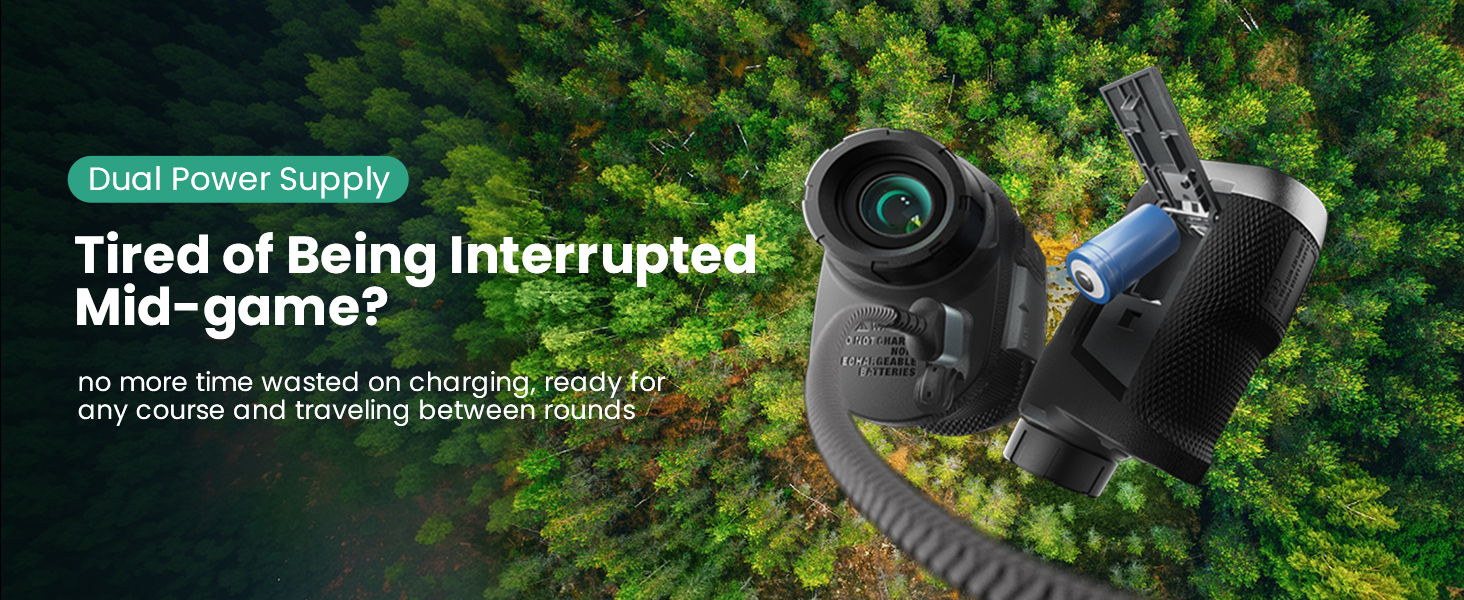
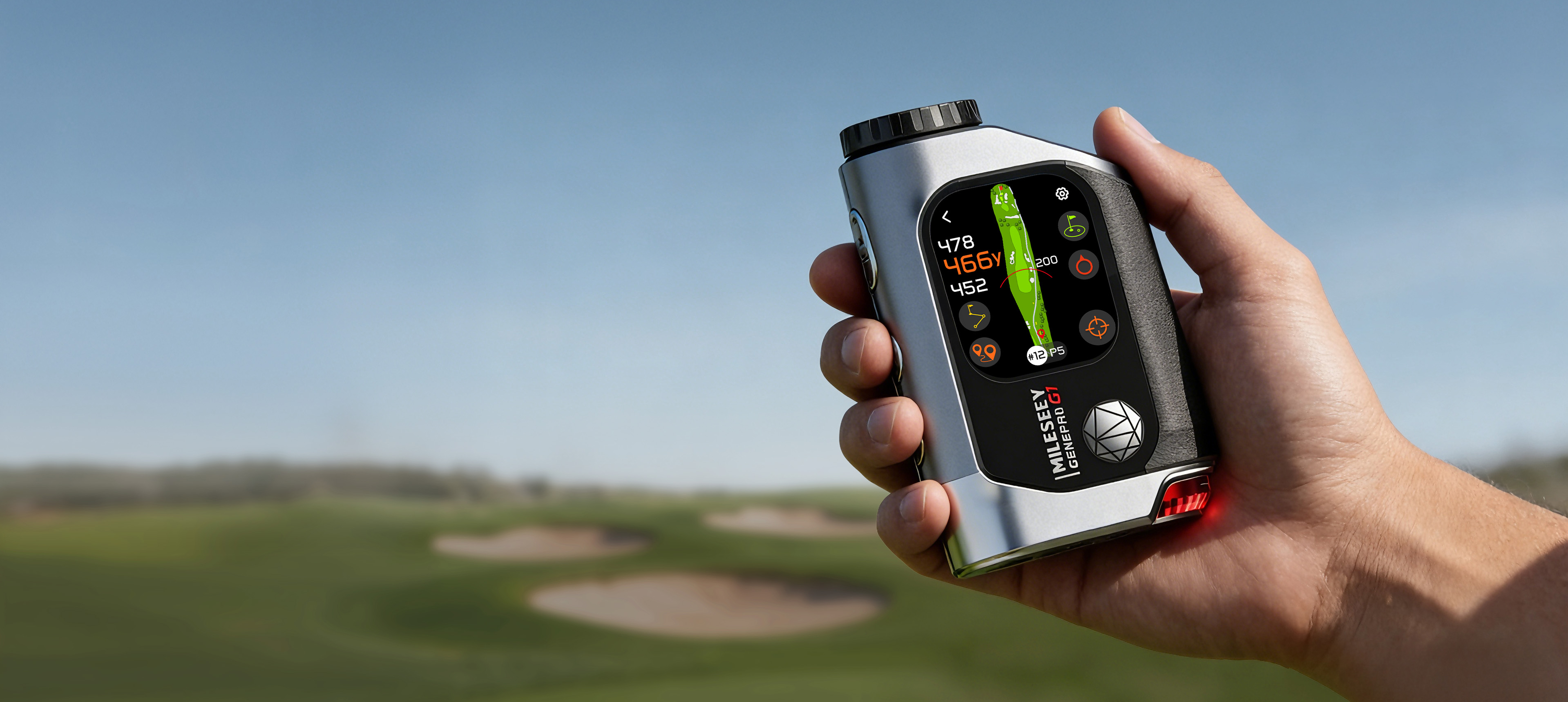
The current product database lists the MILESEEY GenePro G1 with a built-in 1,000 mAh lithium-ion battery and USB-C, and MILESEEY IONME2 with a built-in 500 mAh lithium-ion battery and USB-C. MILESEEY PF260 Tour and MILESEEY GenePro S1 use rechargeable CR2 arrangements according to their current support specifications. Check your actual model label and manual before acting.
Branch A: built-in USB-C battery
- Let the device reach room temperature. A very hot or cold battery may not charge normally. Do not accelerate the process with direct heat.
- Inspect the port with power disconnected. Look for moisture, packed debris, bent parts, or looseness. Do not probe the port with metal.
- Try one known-good cable and a standard power source. Change one item at a time so you know which variable mattered.
- Leave it connected for the manual’s normal initial interval. A deeply discharged device may not show an immediate response. Do not repeatedly connect and disconnect every few seconds.
- Attempt the documented power-on action. Hold only for the duration stated in the manual; random long presses can trigger unrelated functions.
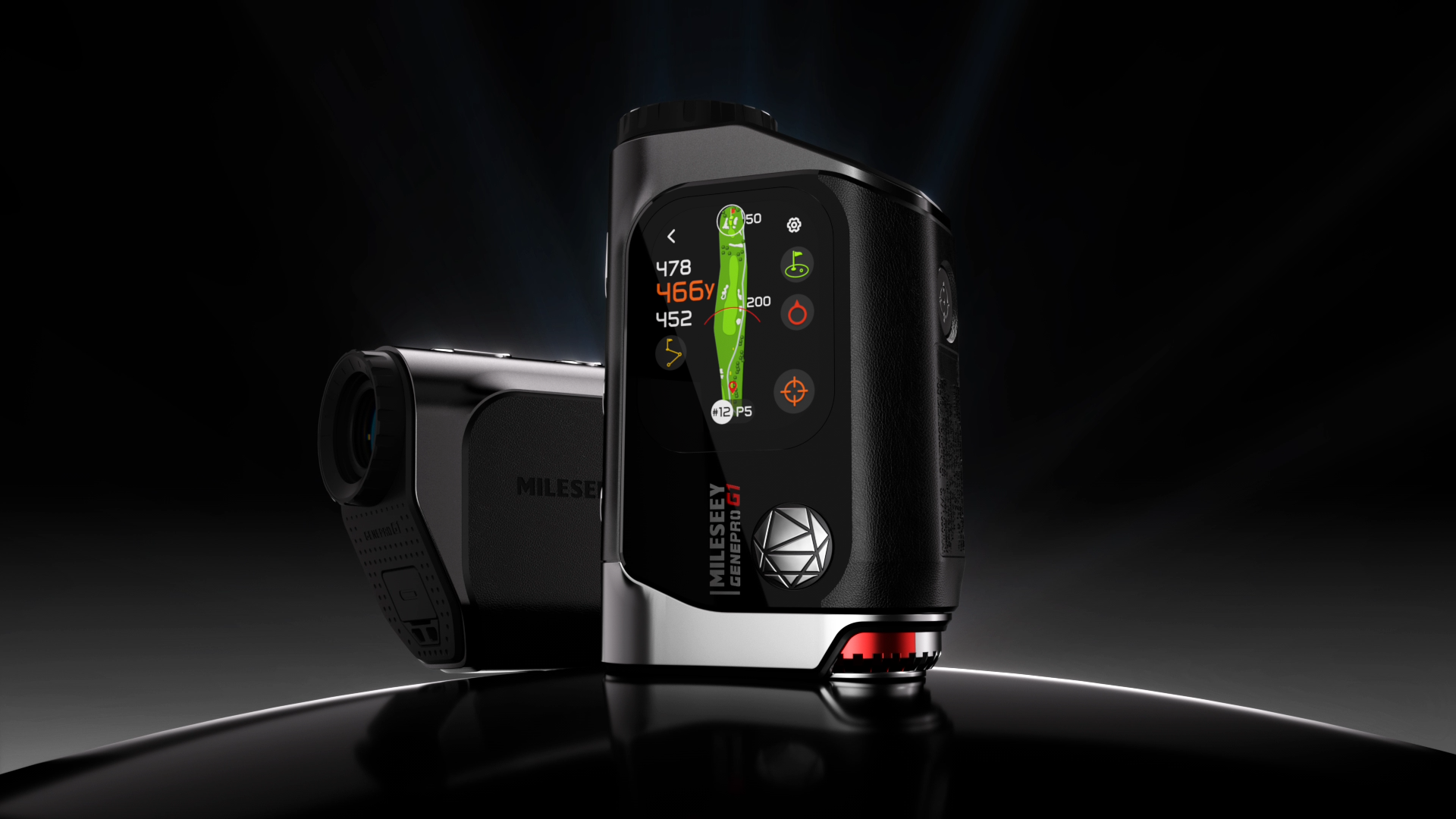 GenePro G1’s official support page says it can be charged from a standard USB port or AC adapter and that some warmth during charging is normal. “Some warmth” is not the same as excessive heat, swelling, odor, or pain to touch; those conditions require stopping.
Branch B: removable CR2 or rechargeable CR2
-7034783294982999373.webp?w=756&h=381)
- Remove the battery only if the model design and manual permit it.
- Confirm the exact battery type and voltage printed in the manual and battery compartment.
- Check polarity marks and reseat the battery firmly without forcing the door.
- Inspect contacts for obvious contamination or deformation. Use only the cleaning method allowed by the manual.
- Test with one known-good, correct-spec battery. Do not mix old and new batteries or try a different chemistry merely because it fits.
A battery can power a low-load display yet fail when the laser or vibration motor demands more current. That explains a device that starts, then shuts down during measurement. If a correct known-good battery produces the same pattern, the problem is no longer “probably just the battery.”
Use the symptom timing to narrow the cause
| Symptom | Useful interpretation | Next test |
|---|---|---|
| No icon, light, sound, or display | Power path or main hardware | Known-good cable/source or correct battery; then stop after one controlled retry |
| Charge indicator appears, but device will not start | Battery may be deeply discharged, control input may be wrong, or hardware may be faulty | Manual-specified charge interval and power-on method |
| Starts, then dies during ranging | Battery voltage sag, poor contact, or internal load fault | Known-good correct battery or full charge, then reproduce once |
| Works only while plugged in | Battery cannot sustain operation or charging path is incomplete | Stop repeated use and contact support |
| Charges intermittently when cable moves | Cable or port connection problem | Try one known-good cable; if movement still changes charging, stop |
Editorial simulation: the “dead on the first tee” decision
This is a simulated diagnostic scenario, not a report of a real product test.
A golfer takes a USB-C rangefinder from a cold car. The screen flashes, then turns off. Option A is to connect a random fast charger and repeatedly hold every button. Option B is to let the device stabilize at room temperature, inspect for moisture, connect a known-good standard cable, wait the documented interval, and use the manual’s power command.
Option B is better because it isolates temperature, moisture, cable, and control input without adding heat or undocumented resets. If the device still fails, the golfer now has a reproducible symptom for support instead of an uncertain sequence of interventions.
What usually goes wrong
- Buying a battery by shape instead of exact specification.
- Assuming every CR2 battery is rechargeable.
- Cleaning a charging port with a metal object.
- Trying several cables, chargers, batteries, and resets at once.
- Charging immediately after rain exposure.
- Continuing to use a device that works only when pressure is applied to the cable or battery door.
When this advice does not apply
Do not use this routine after submersion, saltwater exposure, visible impact damage, battery swelling, or unauthorized disassembly. It also does not authorize replacing a sealed internal battery. If your warranty or manual requires service, follow that route.
What to send support
- Exact model and serial number
- Battery type or cable/power source used
- Whether any indicator appears
- Whether the failure happens at startup or during measurement
- Recent heat, cold, rain, impact, or long storage
- A short video showing the documented startup attempt
If the rangefinder powers on but the number looks wrong, continue with the seven-check distance test. If it powers on but will not capture the pin, use the flag-lock drill. Replacement should come after the power branch is identified, not before.