
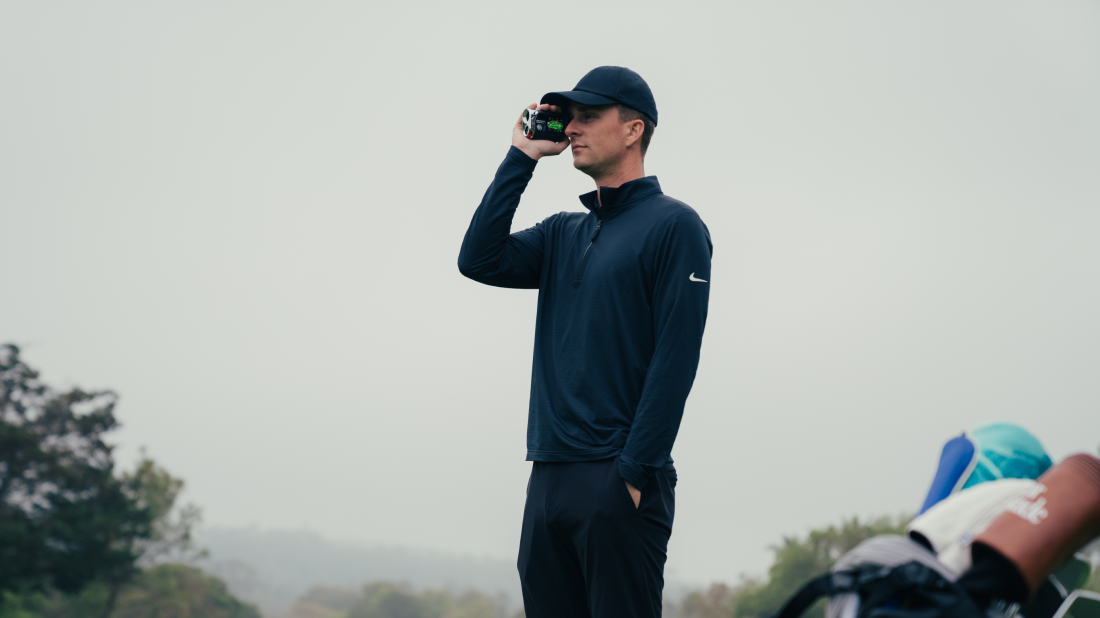
A golf rangefinder gives you a distance to a visible object. It does not automatically identify the safest target, predict your strike, or choose a club. The useful skill is turning the number into a landing-window decision.
Use this sequence: target → distance → dispersion → risk → club → swing.
The basic six-step routine
1. Identify the real target
Decide whether you need the pin, front of the green, bunker carry, lay-up point, or dogleg corner. A precise number to the wrong object is still wrong.
2. Brace and aim
Stand still, support the device with both hands when possible, focus the eyepiece, and aim at a visible part of the intended target. For a flag, move the aiming point slowly along the flagstick instead of accepting the first number.
3. Confirm the reading
Repeat a suspicious measurement. Compare it with a known course marker or GPS front-middle-back number. If trees sit behind the flag, watch for the reading jumping to the background.
4. Compare with your carry pattern
Use your normal carry and dispersion, not your best-ever shot. If your 7-iron usually carries 155 yards with a 10-yard spread, a 160-yard pin does not automatically make the 7-iron correct.
5. Choose a landing window
Account for green depth, hazards, wind, lie, elevation, and your normal miss. Center green is often a better target than a tucked pin.
6. Check the rules
Slope and other advice functions may be restricted in competition. Review the applicable Rules and Local Rules, disable prohibited features, and confirm their status before starting.
How to avoid false locks
Use a repeatable verification pattern
False locks are most likely when a flag is partly hidden, trees sit directly behind it, a branch crosses the sight line, or rain and glare reduce contrast.
When the number seems wrong:
- Re-brace the device.
- Sweep slightly across the flagstick.
- Compare two or three readings.
- Check the result against expected green depth.
- If uncertainty remains, use a conservative GPS or marker-based landing window.
Do not simply choose the shortest value.
When scan mode helps
Use scan mode when the shot requires several distances: the near and far edges of water, both bunker lips, a lay-up zone, or the corner and end of a dogleg. Stop scanning once the decision is clear; rapid numbers can create noise on a simple pin shot.
Laser and GPS answer different questions
Laser answers “how far to that visible object?” GPS answers “where am I relative to the hole?” A hybrid can combine both.
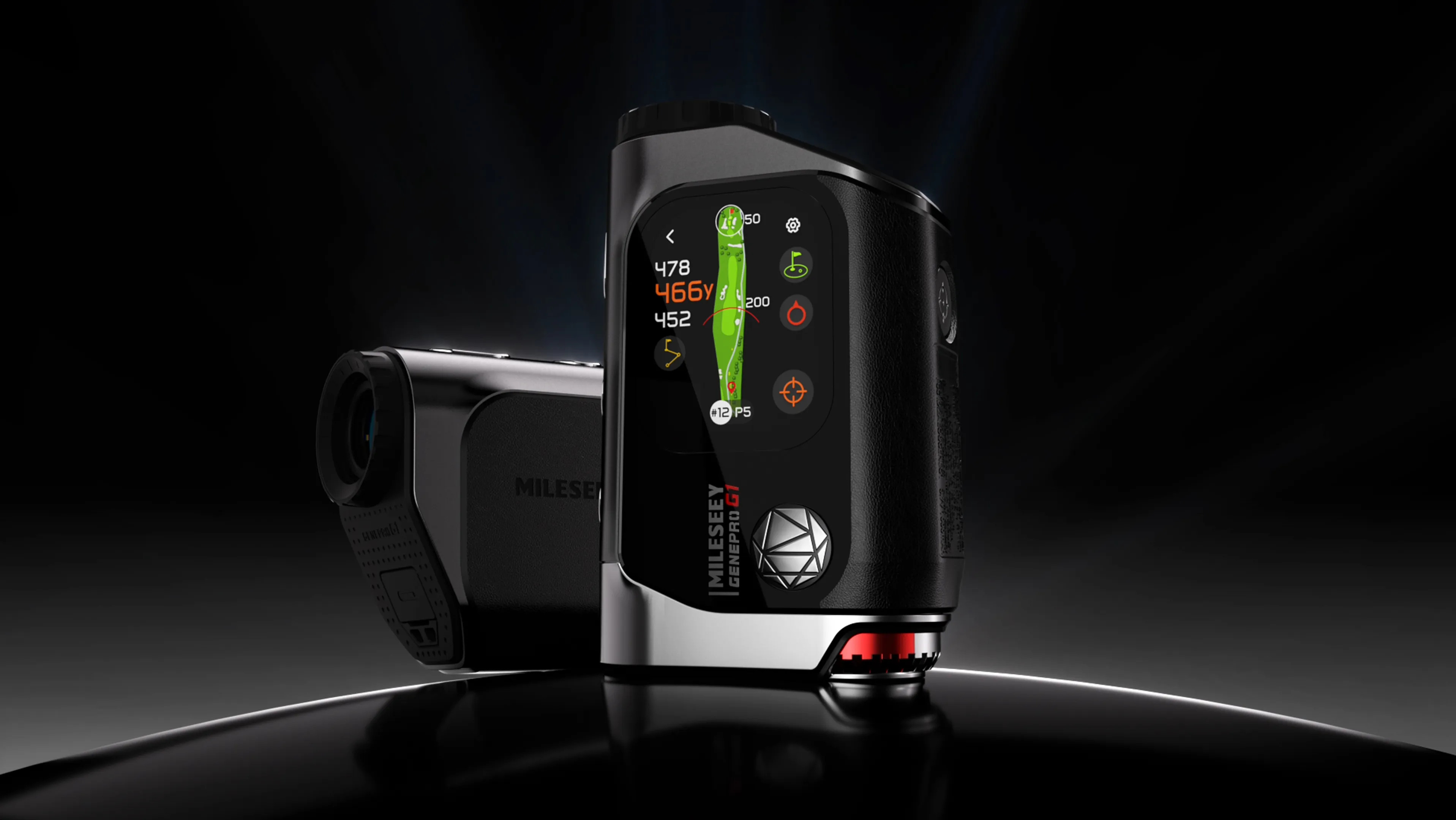
The MILESEEY GenePro G1 combines laser measurement with on-device GPS mapping. Plugged In Golf reported quick, accurate laser operation and GPS readings usually within 1–2 yards of a trusted device or course yardage. Golf Monthly praised the bright AMOLED display and combined view while noting occasional lag and automatic-hole changes. The practical lesson is to use GPS for context, laser for a specific visible target, and verify the selected hole whenever the two seem inconsistent.
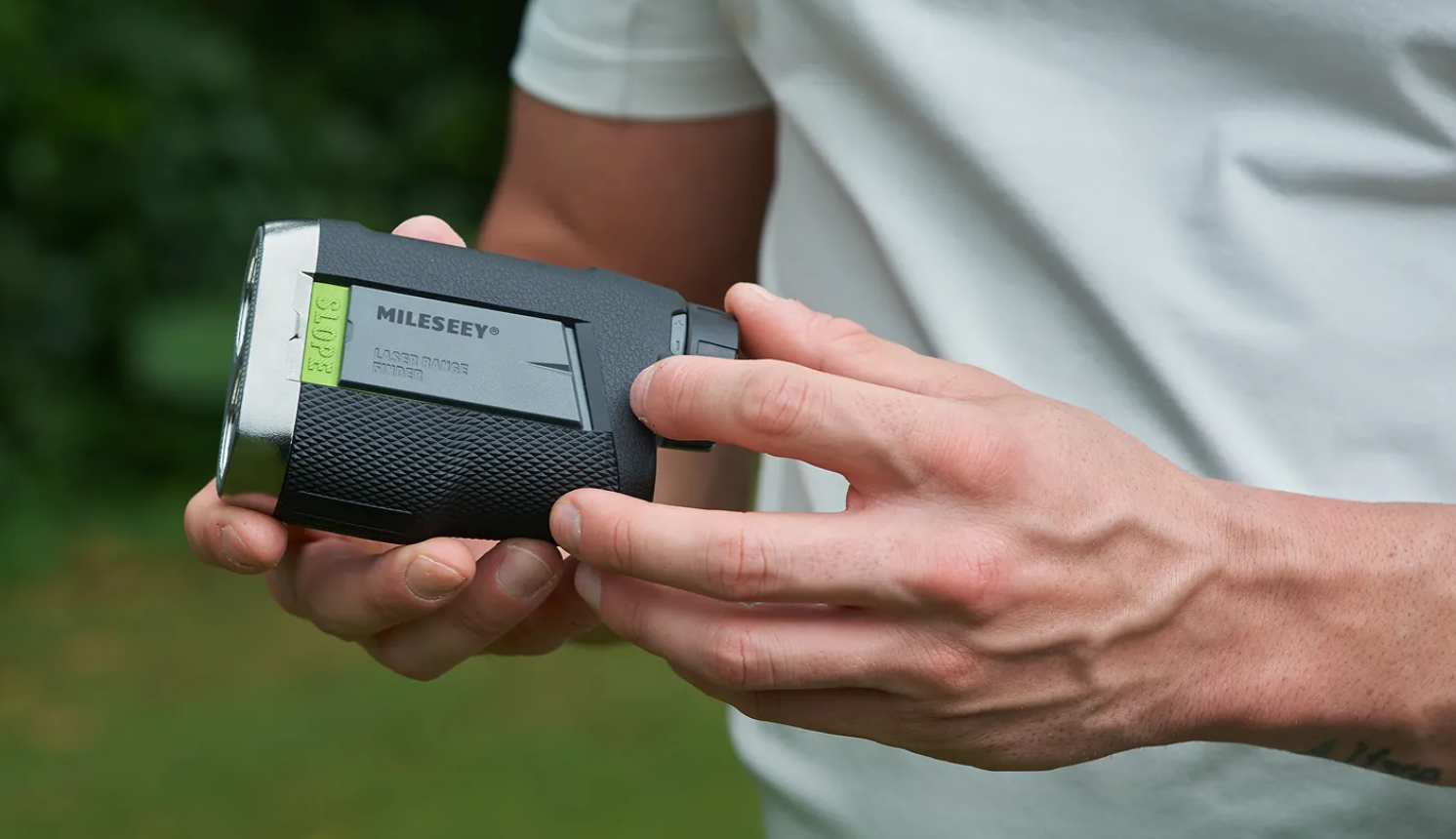
For a laser-only value route, the MILESEEY PF260 Tour handles visible-target decisions without GPS mapping. National Club Golfer gave it five stars and highlighted simple operation and value. Simplicity is an advantage when the golfer already knows the hole and wants only the target number.
Browse golf rangefinders after deciding whether you need target precision, course context, or both.
Editorial simulation: pin or safe target?
Example conditions
This is a teaching scenario, not a measured player or course:
- Pin: 162 yards.
- Front: 148 yards.
- Back: 176 yards.
- Bunker carry: 155 yards.
- Player’s normal 7-iron: 158 yards with ±9 yards of dispersion.
Aiming at 162 asks the golfer to carry the bunker with limited margin. A center-green window around 165–170 may be safer, depending on the long hazard and wind. The correct question is not “which club reaches 162?” but “which target gives this dispersion the safest result?”
What usually goes wrong
- The golfer measures only the pin and ignores the hazard carry.
- A background object is mistaken for the flag.
- A slope-adjusted number is treated as guaranteed ball flight.
- The golfer uses a best-shot carry instead of a normal pattern.
- More features are assumed to remove the need for judgment.
When this advice does not apply
If the target is not visible, a laser cannot measure it directly. Use a GPS map, yardage book, marker, or conservative lay-up. In dense fog or heavy rain, optical performance can degrade; do not manufacture confidence from an unstable number.
Bottom line
Identify the real target, confirm the reading, compare it with your dispersion, choose a safe landing window, and then select the club. The number matters—but the quality of the decision after it matters more.
-12.png?w=1098&h=560)