
-12.png?w=1600&h=1600&q=80)
-8.png?w=800&h=800&q=80)
-7.png?w=1600&h=1600&q=80)
-7.png?w=1600&h=1600&q=80)
-6.png?w=1600&h=1600&q=80)
-12.jpg?w=1600&h=1600&q=80)
-9.jpg?w=1600&h=1600&q=80)
-7.jpg?w=1600&h=1600&q=80)
-7.jpg?w=1600&h=1600&q=80)
-7.jpg?w=1600&h=1600&q=80)
-6.jpg?w=1600&h=1600&q=80)
-8.jpg?w=1600&h=1600&q=80)
-6.jpg?w=1600&h=1600&q=80)


.svg?w=644&h=121)
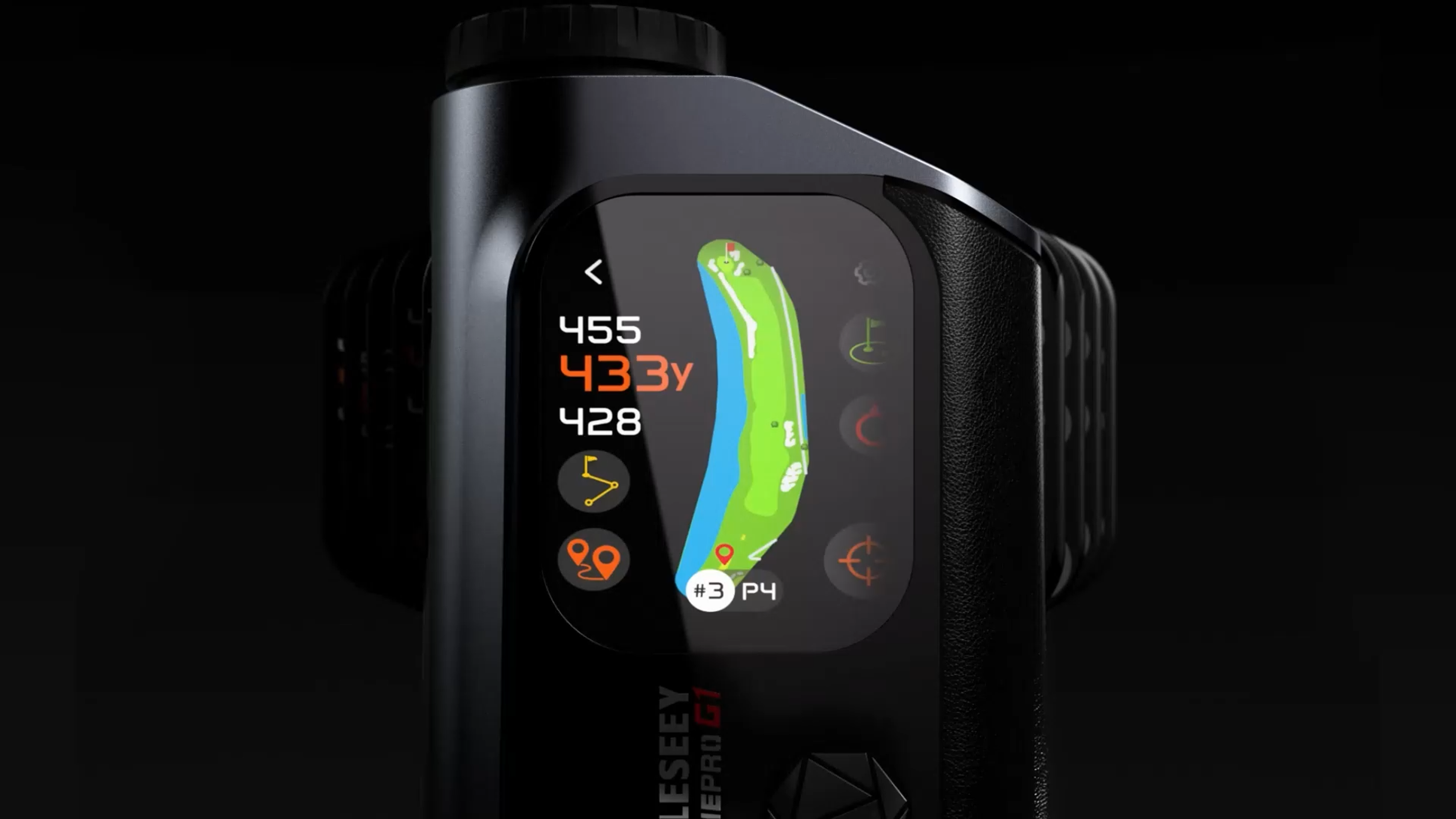

MILESEEY GenePro G1 Touchscreen & GPS Rangefinder
$499.99 USD

Fast & Free Delivery

30-Day Free Returns

10-Year Warranty
Fast & Free Delivery
Ships directly from our warehouse. Enjoy free shipping and most orders will arrive within 3–7 business days.
*Please see our Shipping Policy for details.
30-Day Free Returns
Return your undamaged product for any reason within 30 days for a full refund. Once the item is received and inspected, your refund will started to be processed.
*See our Returns & Refund Policy for details.
10-Year Warranty
Every product comes with a minimum 10-year warranty covering manufacturing defects under normal use.
*See our Warranty Policy for details.
Order today, ships within 2 business days
Save $34.99 USD
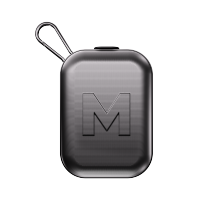
MILESEEY GenePro G1 Magnetic Carry Case
Special Price When Purchased with GenePro G1
$5.00 USD
$39.99 USD
Buy Now
$499.99 USD
Buy Now
-12_1445x.png?w=1600&h=1600&q=80)
-8_1445x.png?w=800&h=800&q=80)
-7_1445x.png?w=1600&h=1600&q=80)
-7_1445x.png?w=1600&h=1600&q=80)
-6_1445x.png?w=1600&h=1600&q=80)
-12_1445x.jpg?w=1600&h=1600&q=80)
-9_1445x.jpg?w=1600&h=1600&q=80)
-7_1445x.jpg?w=1600&h=1600&q=80)
-7_1445x.jpg?w=1600&h=1600&q=80)
-7_1445x.jpg?w=1600&h=1600&q=80)

-6_1445x.jpg?w=1600&h=1600&q=80)
-8_1445x.jpg?w=1600&h=1600&q=80)
-6_1445x.jpg?w=1600&h=1600&q=80)
-12_1800x.png?w=1600&h=1600&q=80)
-8_1800x.png?w=800&h=800&q=80)
-7_1800x.png?w=1600&h=1600&q=80)
-7_1800x.png?w=1600&h=1600&q=80)
-6_1800x.png?w=1600&h=1600&q=80)
-12_1800x.jpg?w=1600&h=1600&q=80)
-9_1800x.jpg?w=1600&h=1600&q=80)
-7_1800x.jpg?w=1600&h=1600&q=80)
-7_1800x.jpg?w=1600&h=1600&q=80)
-7_1800x.jpg?w=1600&h=1600&q=80)

-6_1800x.jpg?w=1600&h=1600&q=80)
-8_1800x.jpg?w=1600&h=1600&q=80)
-6_1800x.jpg?w=1600&h=1600&q=80)
Hybrid GPS Laser Rangefinder
MILESEEY GenePro G1

An Innovative Hybrid of GPS Course View and Laser Precision
Read. Measure. Play Smarter.
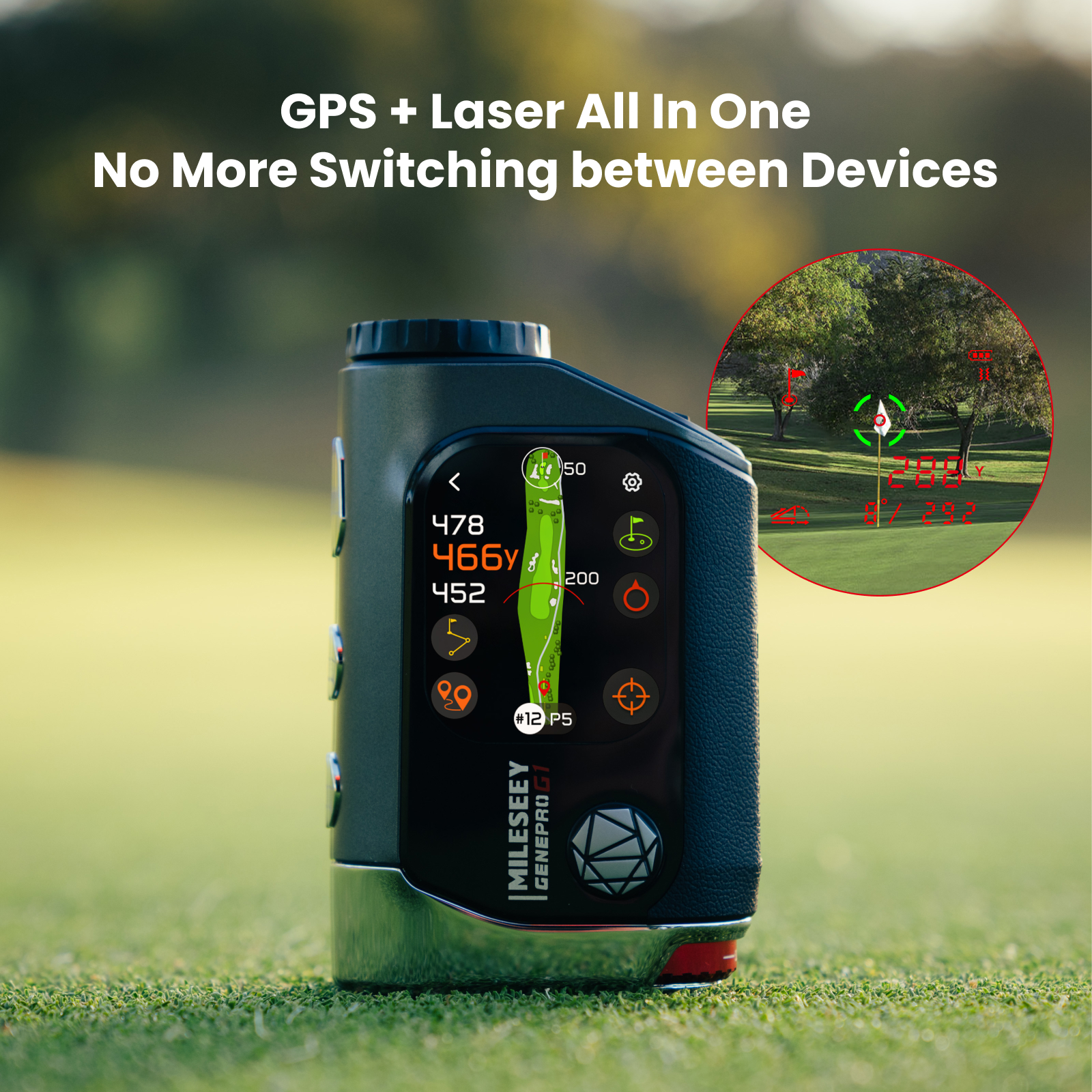
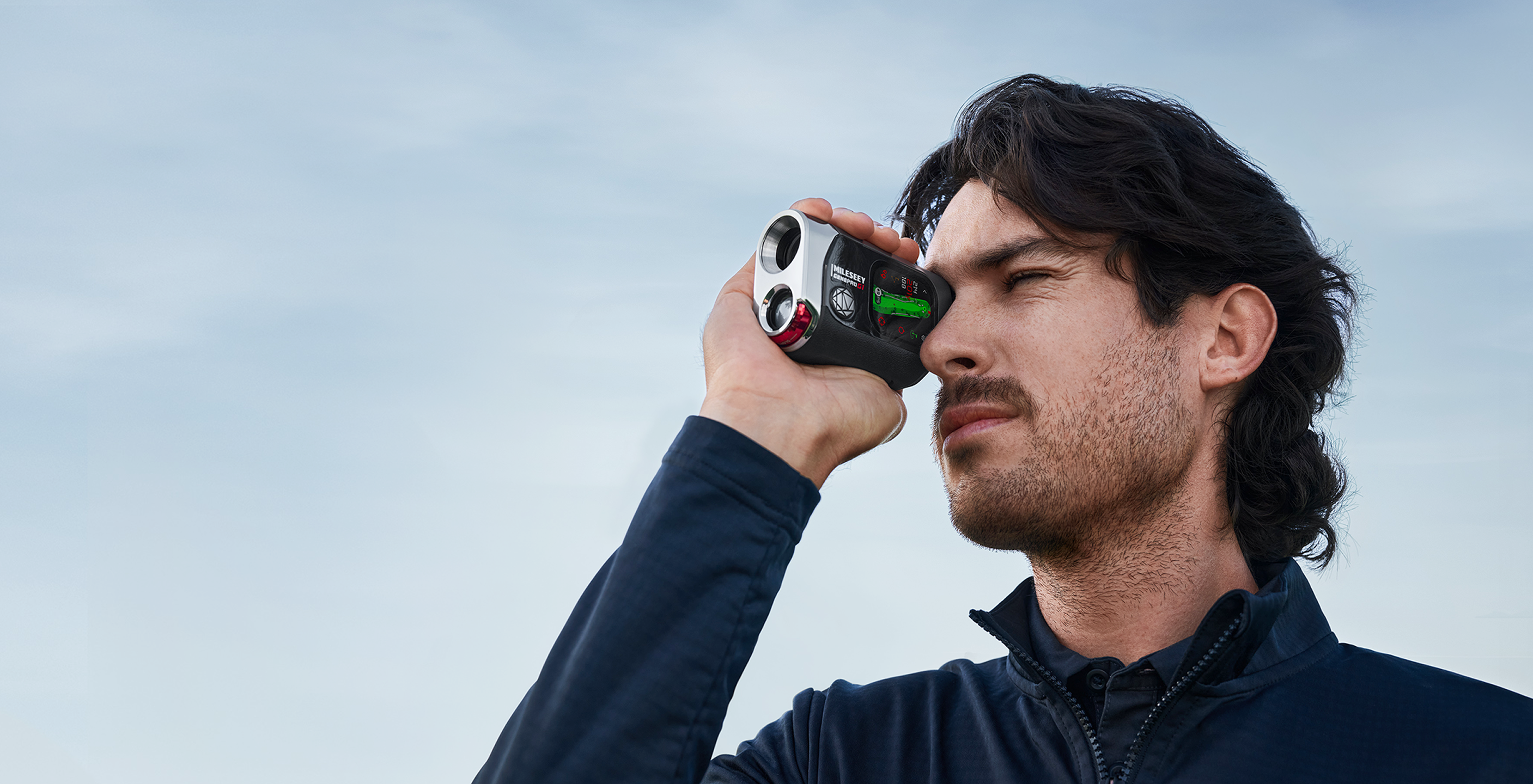
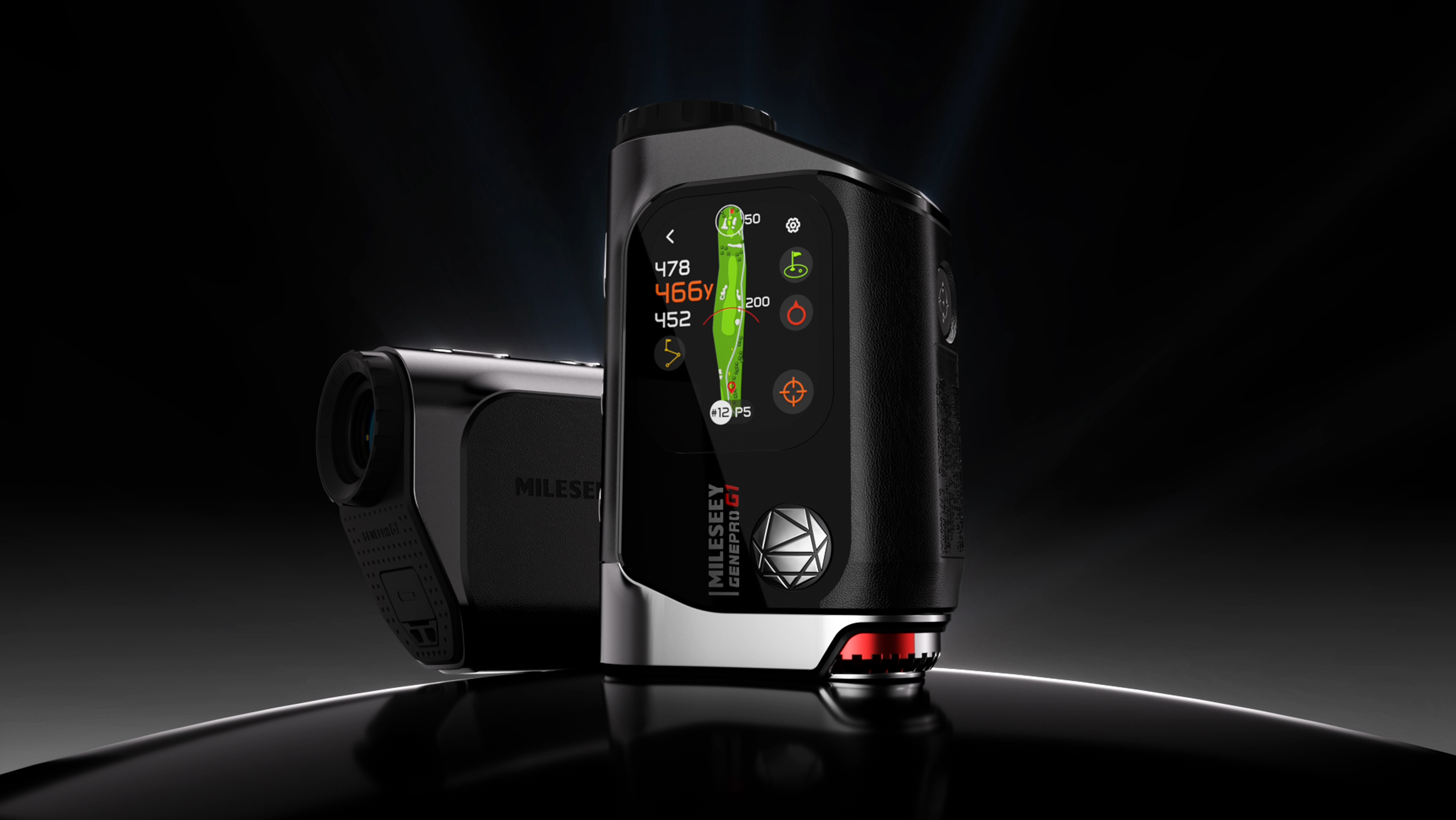
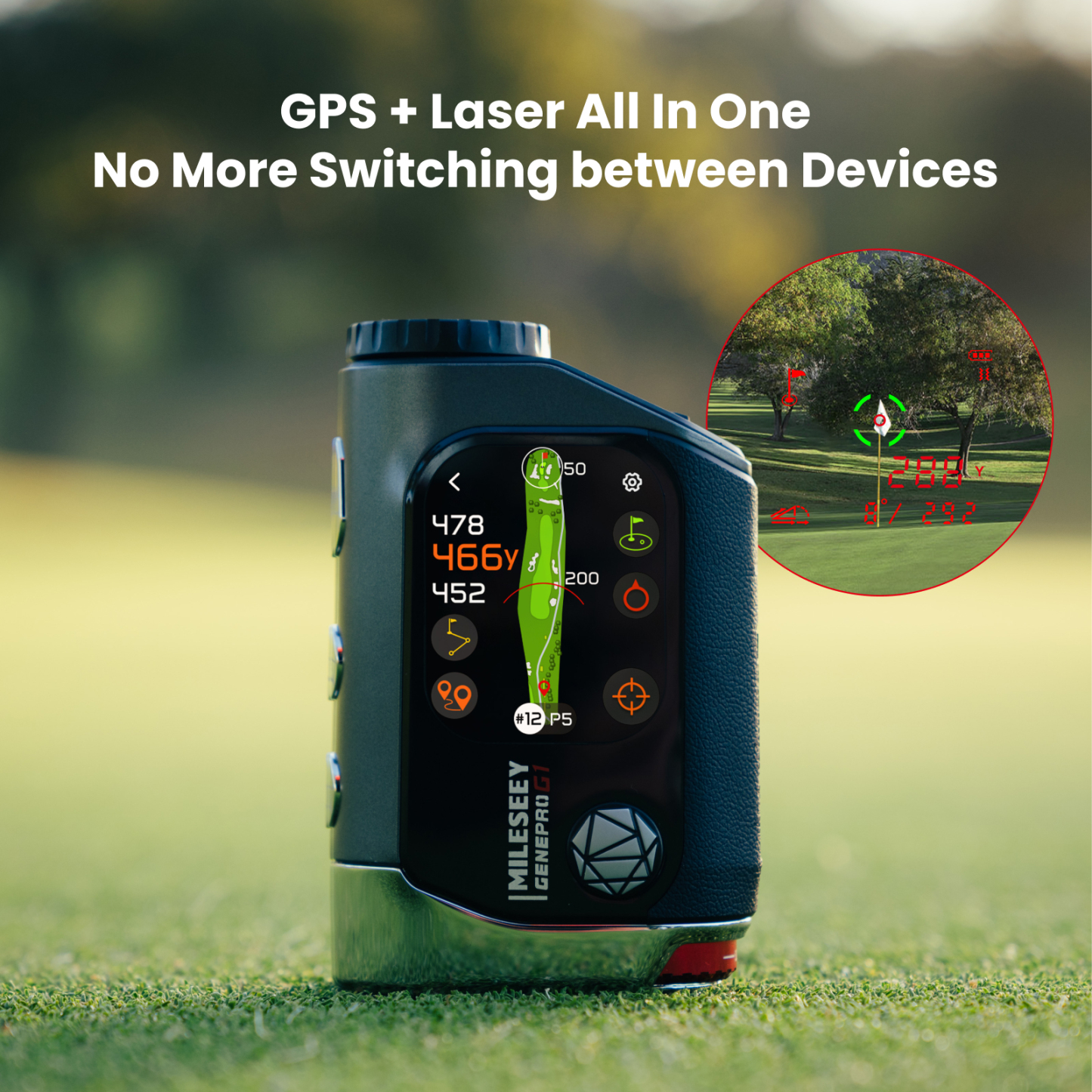
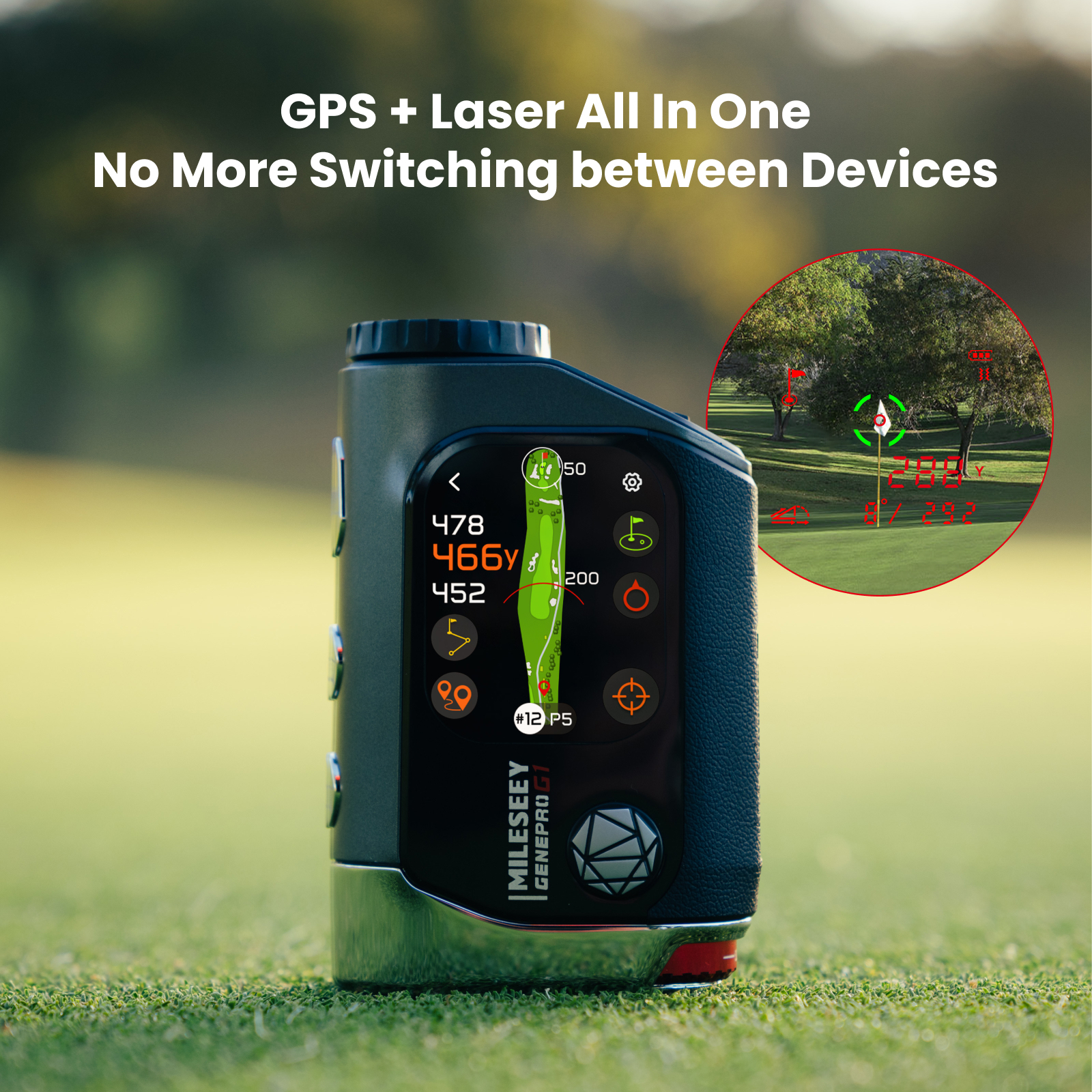
GenePro G1 takes the hybrid rangefinder experience further by combining full visual Course View, advanced GPS data, a 2.13” AMOLED touchscreen, and precise laser ranging in one device. Access more course data on screen, interact with the Course View as you play, switch to laser distance anytime, and lock onto the pin with speed and accuracy.
Full Course View, From Tee to Green
See each hole in full with fairway shape, hazards, green view, and key distances shown on screen. 43,000+ preloaded Course Views stay updated with no subscription, helping you read the hole faster and plan with confidence.
No Subscription
Needed
Continuously
Updated
Ball-to-Pin™ Does the Walking for You
Patented Ball-to-Pin™ mode lets you instantly measure the true distance between any two points on the course, allowing you strategize your next move before you even reach your ball.
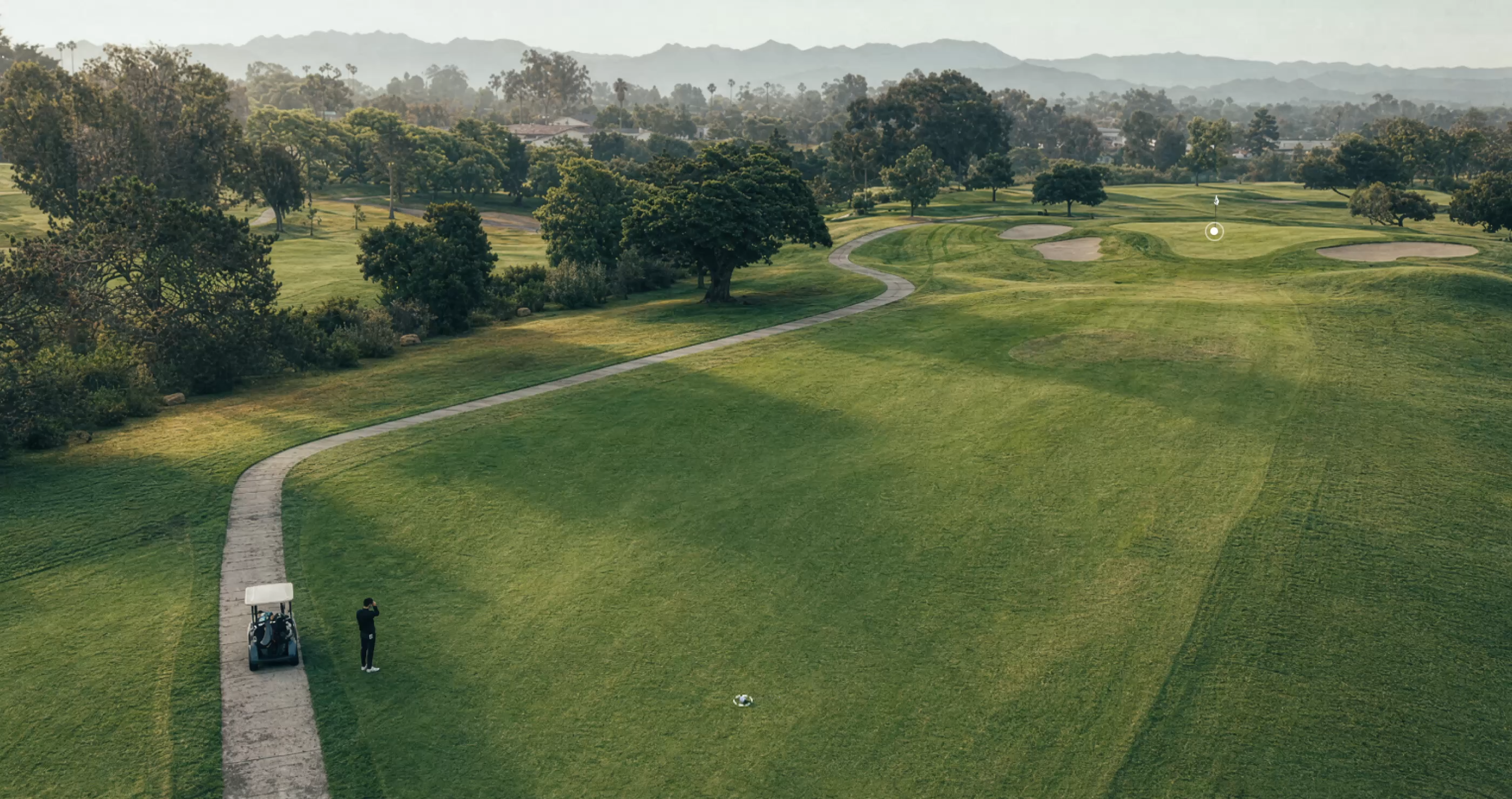
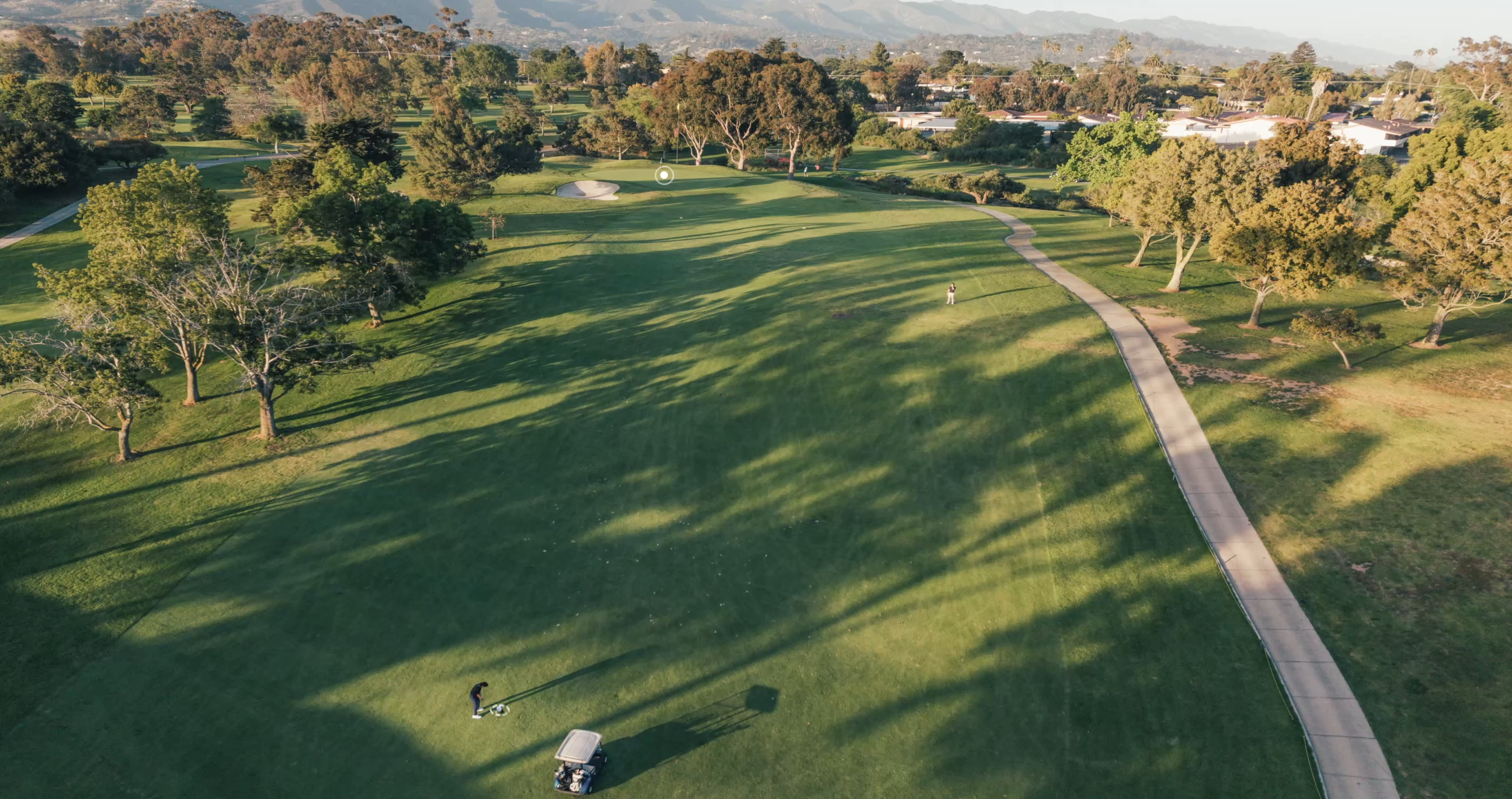

Range from Your Cart
Help You Select Club
Range When Obstacles in the Way
Measure distances from the cart path to pick the right club in advance.
Measure your next shot’s distance and choose the right club while your friend takes theirs.
Measure distances to a target when there's an obstacle in the way.
Zero in. Instantly.
Lock onto the flag, not the trees. Our advanced background interference filtering technology ignores the clutter to give you a lightning-fast, rock-solid lock on the pin. Every time.
600-Yard
Flag-Lock
0.1s
Response Time
±0.5-Yard
Measuring Accuracy
1,300-Yard
Max. Range
Built-In GPS,
More Data for Every Shot
-6.jpg?w=2560&h=1280)
Front / Center / Back Distances
See front, center, and back distances in a full visual Course View based on your current position. Understand the distance to the green, read the route ahead, judge the pin zone, and choose the club that fits the shot.
SmartSlope™
with a Pro Twist
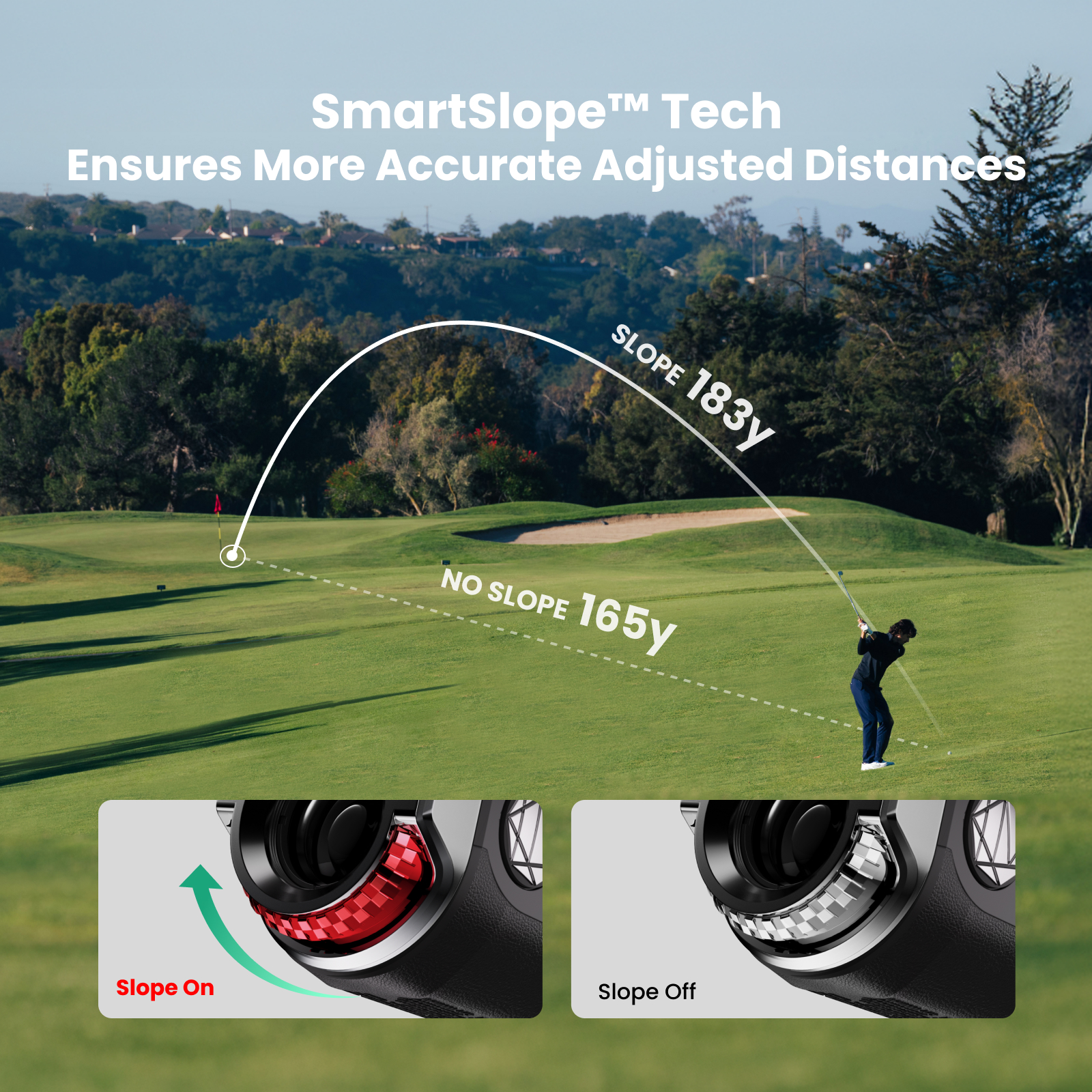
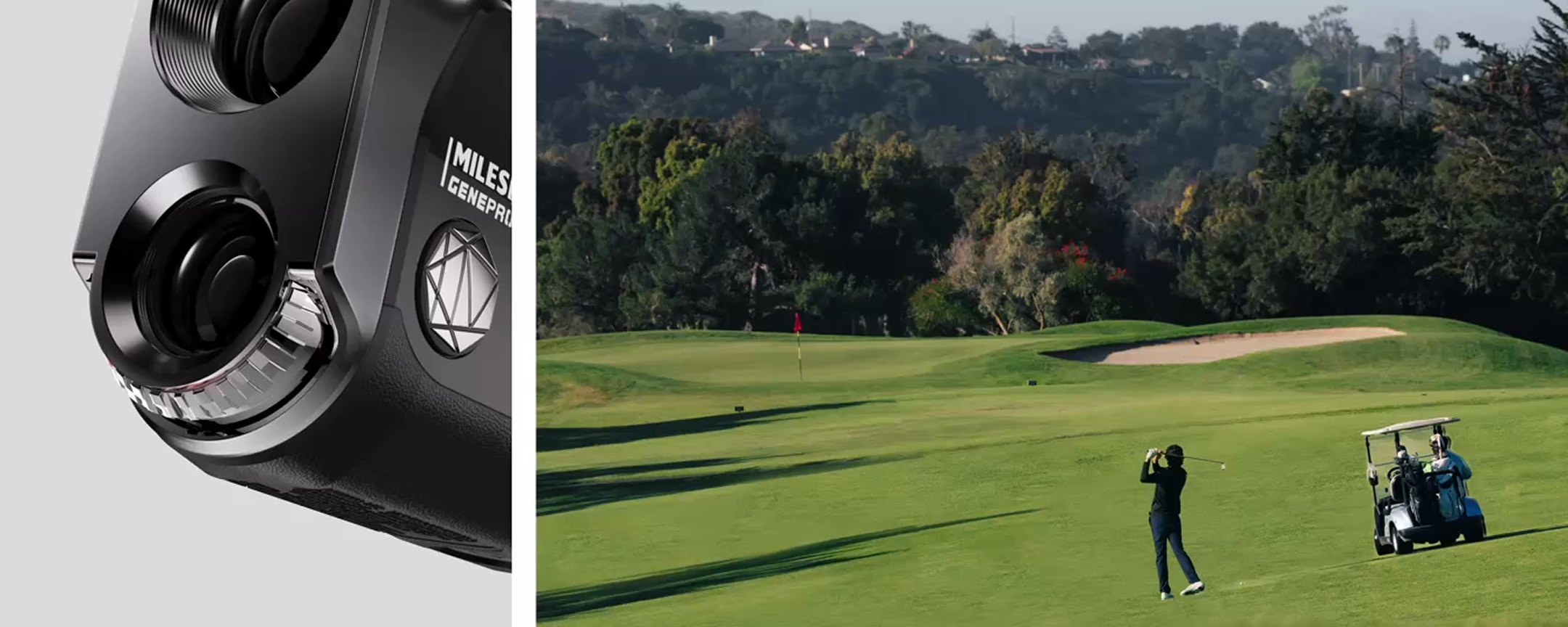
Go beyond just elevation. Our proprietary SmartSlope™ technology factors in temperature and humidity for the most accurate compensated distances in golf. And when it’s time for tournament play, a dedicated physical switch makes it instantly legal.
Outplay the Changing Weather
With Rain & Fog Mode and IP65 protection, GenePro G1 stays resilient and keeps you focused on the game through changing course conditions.
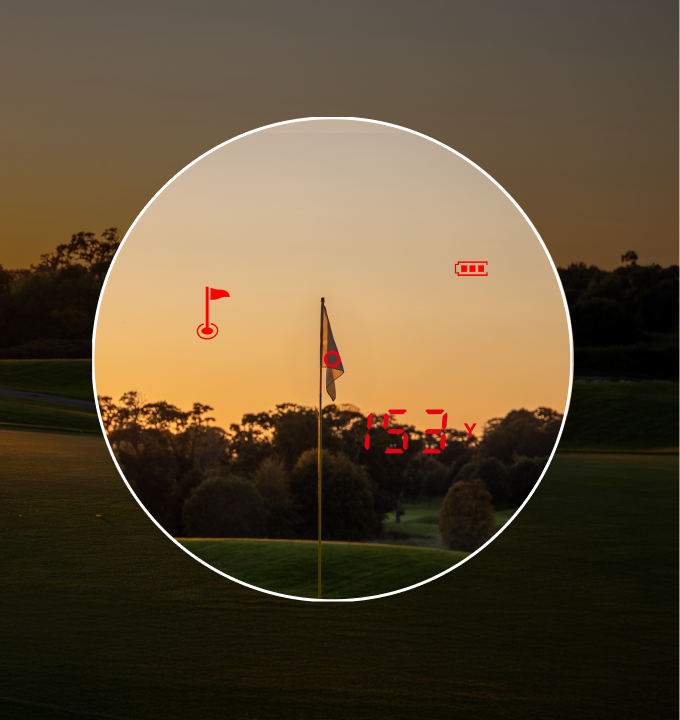
Twilight
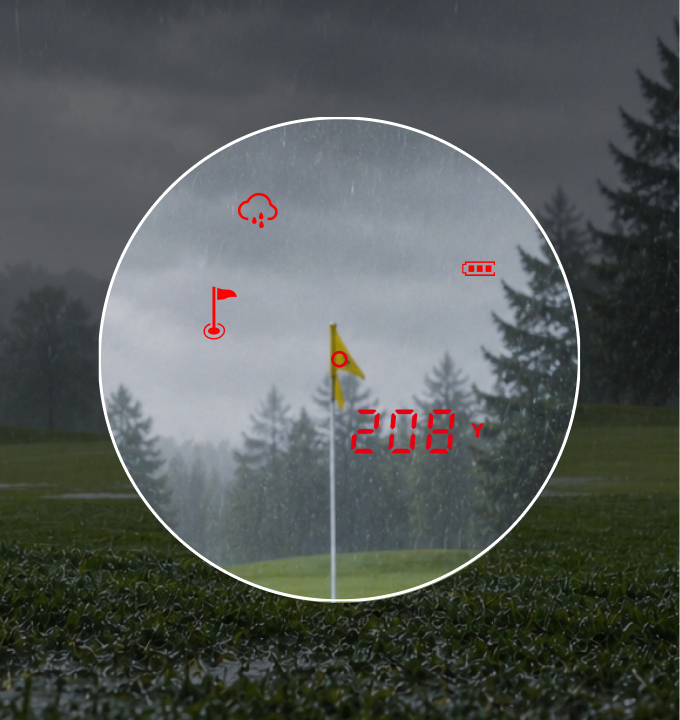
Rain Day
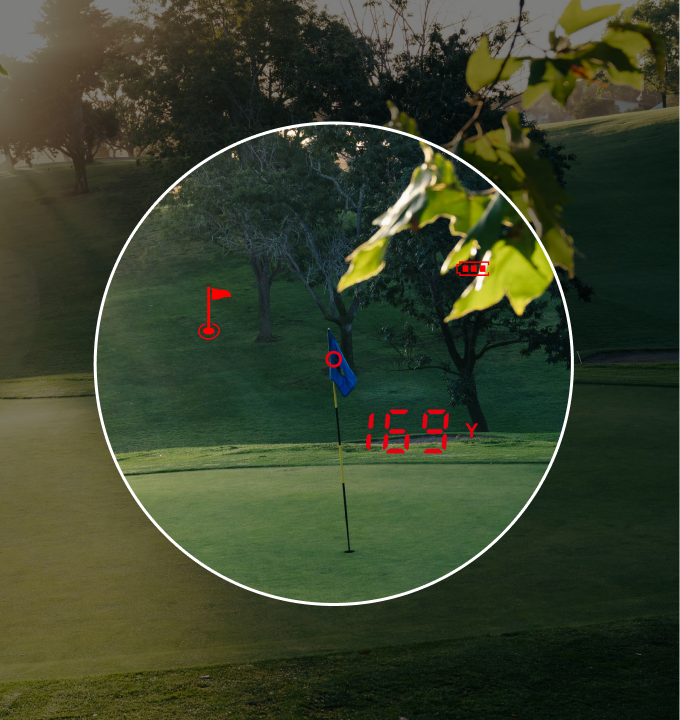
Morning Mist
Power for the Long Haul.
A powerful 1,000mAh battery delivers up to 24 hours of continuous use. From sunrise practice rounds to full tournament days, GenePro G1 stays with you until the last putt.
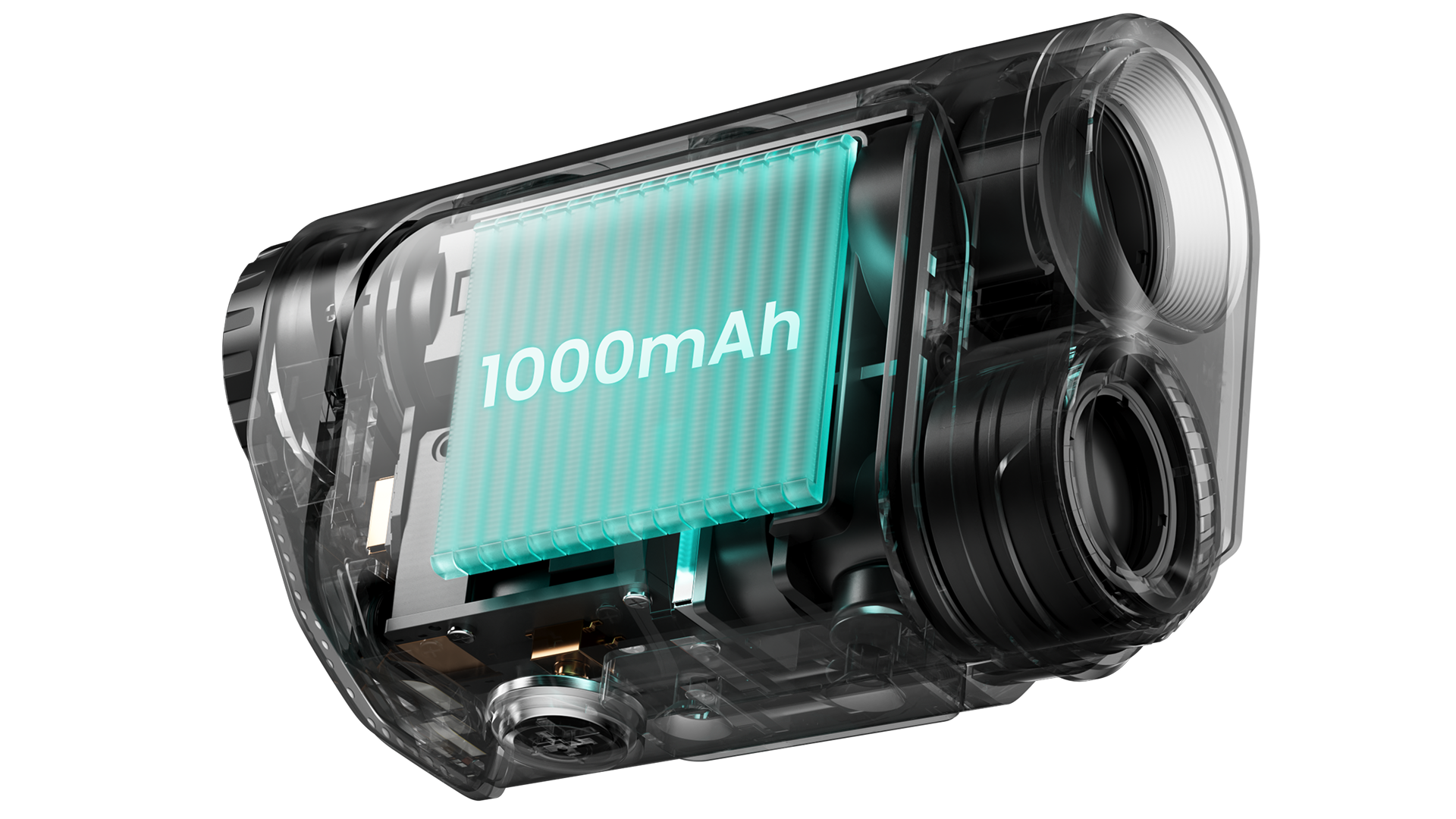
.jpg?w=2880&h=934)
Magnetic Carrying Case
With strong magnetic hold, a secure clip, and a durable impact-resistant shell, it keeps your GenePro G1 protected, neatly stored, and easy to carry wherever you go.
MILESEEY Golf App 2.0
Your Smartest Golf Companion Just Got Even Better
Pair GenePro G1 with the upgraded MILESEEY Golf App 2.0 to track every shot, review real club distances, understand your common misses, and get deeper insights to make smarter decisions on the course.


-5.jpg?w=3836&h=1720)
What's in the box?
-9.png?w=2880&h=1520)
Why Choose MILESEEY GOLF?
100+
Regions
10M+
Users
270+
Patents
2M+
Units Produced Annually
Awards

Media Review
It’s accurate, has well-protected storage, and packs more features than a brand-new car fresh off the lot.

It’s accurate, has well-protected storage, and packs more features than a brand-new car fresh off the lot.

It’s accurate, has well-protected storage, and packs more features than a brand-new car fresh off the lot.

It’s accurate, has well-protected storage, and packs more features than a brand-new car fresh off the lot.

It’s accurate, has well-protected storage, and packs more features than a brand-new car fresh off the lot.

It’s accurate, has well-protected storage, and packs more features than a brand-new car fresh off the lot.

Preferred by Leading Golfers on YouTube
Where Influence Meets Excellence on the Course

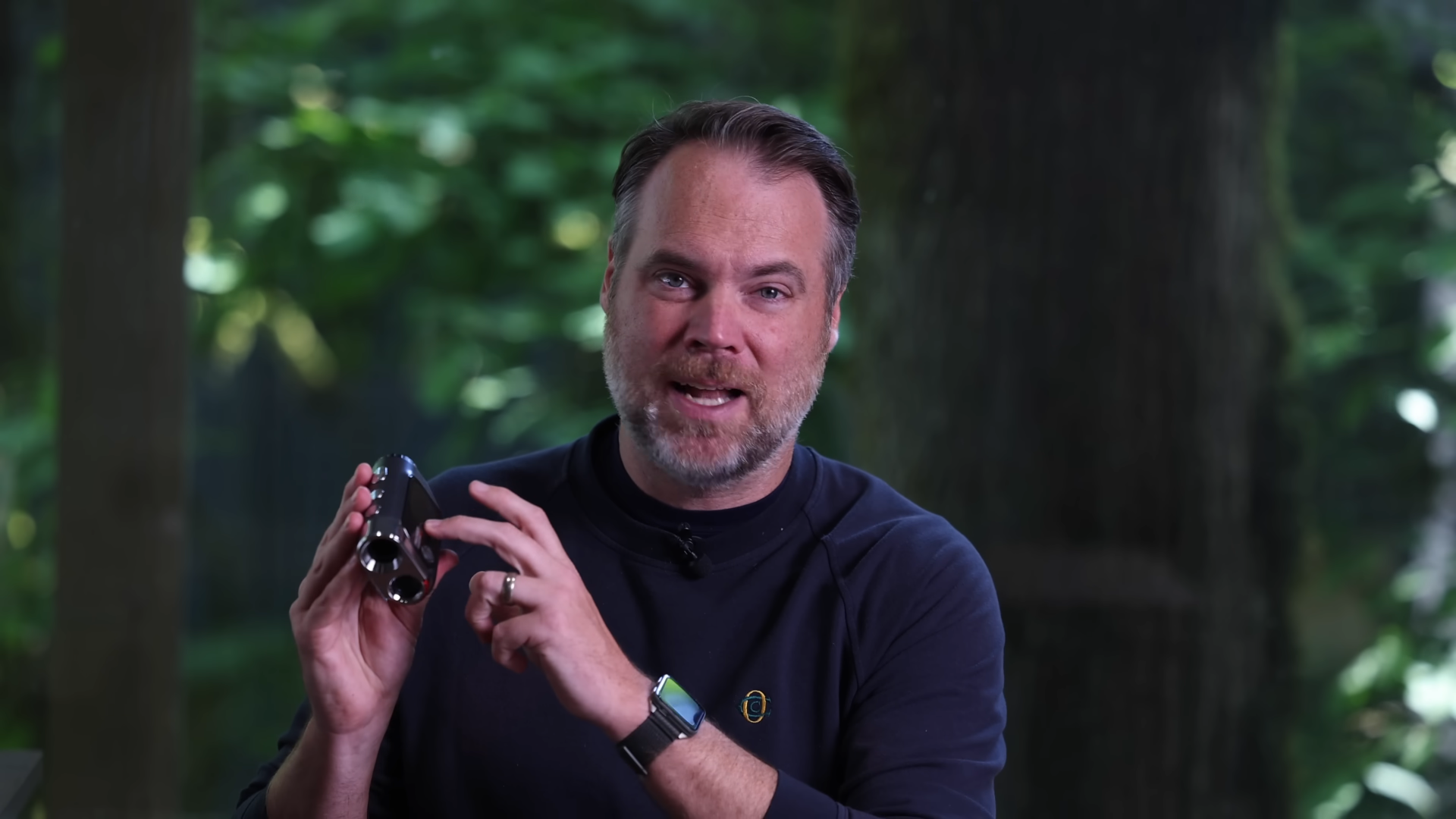
Unboxing The MILESEEY GOLF GenePro G1 rangefinder...
.jpg?w=160&h=160)
Why Is Everyone Talking About This Rangefinder?
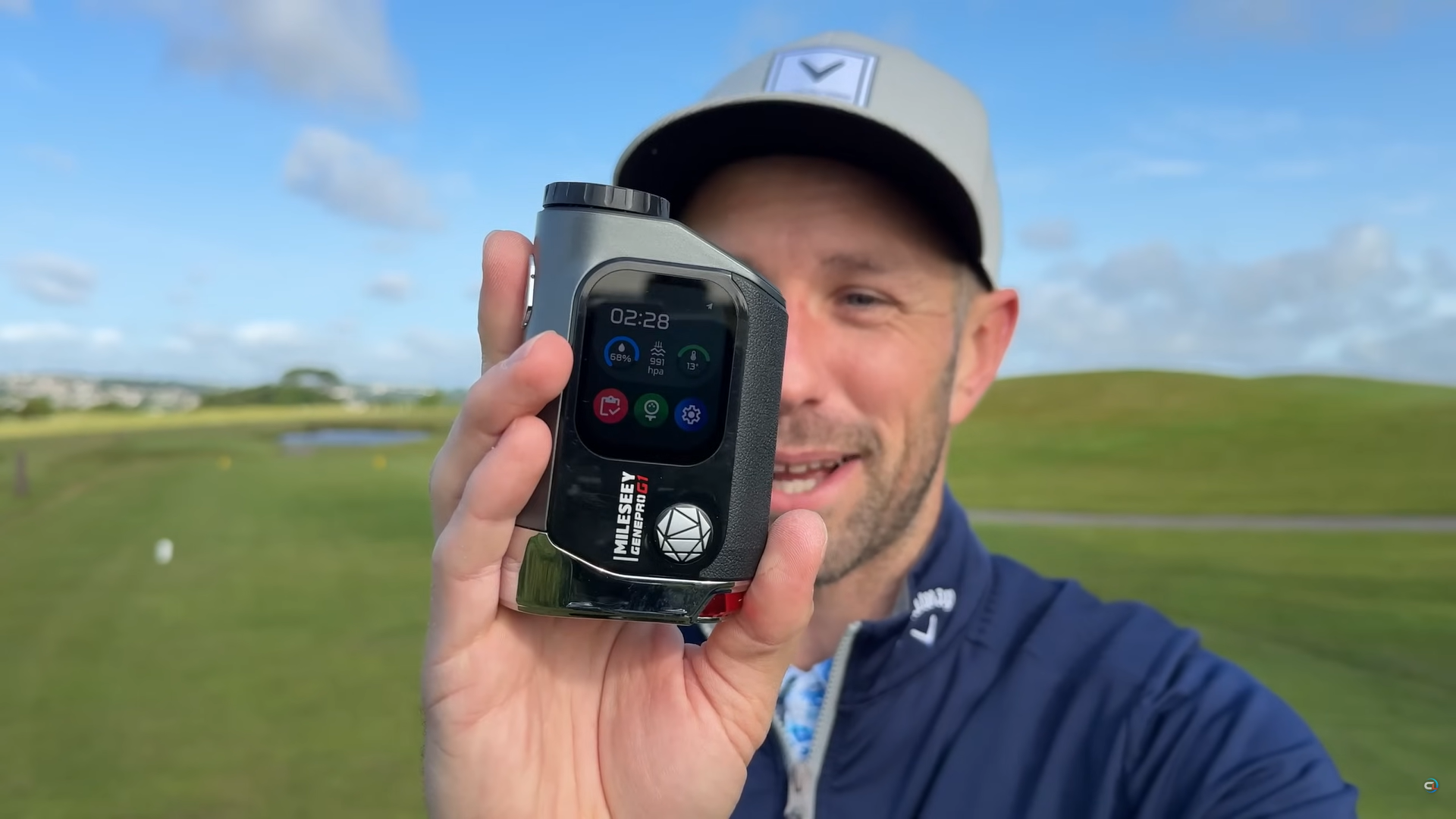

The Best Golf Rangefinder I Have Ever Used - Mileseey Gene Pro G1
.jpg?w=1919&h=1079)
.jpg?w=160&h=160)
MileseeyGolf GenePro G1 Review – A New Generation GPS + Laser Rangefinder for Smarter Golf
Model Comparison
GenePro G1
New Generation GPS + Laser Rangefinder
.svg?w=56&h=56)
1,300 yd
Maximum Ranging Distance
.svg?w=56&h=56)
600 yd
Flag-Lock Range
±0.5 yd
Standard Ranging Accuracy
Ball-to-Pin™
0.1 s
Ranging Speed
0.5 s
Flag-Lock Speed
—
SmartSlope™
Flag-Lock Vibration
Rain & Fog Mode
GPS Support
External Slope Switch
—
7.5°
Field of View
6×
Magnification
2,000 yd
Maximum Ranging Distance
690 yd
Flag-Lock Range
±0.1 yd
Standard Ranging Accuracy
Ball-to-Pin™
0.1 s
Ranging Speed
0.3 s
Flag-Lock Speed
PinPoint Green™
SmartSlope™
Flag-Lock Vibration
AI-AdaptiveRain & Fog Mode
—
External Slope Switch
Built-in Magnet
7.9°
Field of View
7.5×
Magnification
GenePro G1 Specs
Performance
Measurement Units
m / yd
GPS Features
Preloaded Courses
43,000+
Course Maps
Full-Hole View
Green Distances
Front / Center / Back
Green View
√
Hazard Information
√
Shot Planning
√
Shot Tracking
√
Scorekeeping
√
Product Design
Product Form
GPS + Laser All-in-One
Load More
Load Less
FAQ
Product
How is GenePro G1 different from a traditional rangefinder?
GenePro G1 combines precise laser ranging with built-in GPS course maps to deliver a true hybrid golf rangefinder experience.
Its 2.13-inch AMOLED touchscreen shows not only precise laser measurements, but also full-hole information, front/center/back green distances, and hazard data, helping you make more informed decisions before every shot.
How can I check whether GenePro G1 supports my golf course?
GenePro G1 comes with map data for more than 43,000 golf courses worldwide, including many popular courses. The device can use its built-in GPS to locate and identify supported courses without a phone or App, then display front, center, and back green distances as well as hazard information.
All course map updates are free, with no subscription required.
You can check or request a course update in either of the following ways:
1. Check online (recommended)
Visit the official course search page:
Enter the course name to see whether it is already available.
2. Request a new course or map update
If your course is not listed, or if the existing map no longer matches the course because of renovations, seasonal changes, or other updates, submit a free request here:
Our team will review the request and usually complete the update within 1–2 weeks. Once the update is available, sync the device to download the latest course data.
What is Ball-to-Pin™ mode, and when should I use it?
Ball-to-Pin™ is a proprietary MILESEEY feature based on point-to-point measurement technology. It calculates the distance between any two locations on the course.
Use it when you cannot measure directly from your ball to the target, or when the cart cannot enter the fairway. It can quickly calculate the distance from your ball to the pin, a landing area, or another target, saving you from walking back and forth to confirm the distance.
How to use it:
1. Aim at your ball and take the first measurement.
2. Aim at the target, such as the flag, and take the second measurement.
3. GenePro G1 automatically calculates and displays the distance between the two measured points.
Load More
Show Less
User Guide
How do I keep score on GenePro G1? How are round data synced and managed?
GenePro G1 lets you record your score for each hole during a round.
On the Play Golf screen, swipe up to open the Score Card. You can enter the number of strokes, putts, and fairway result for each hole.
You can update the current hole at any time during the round. After completing the round, the data is saved on the device and can be synced to the MILESEEY Golf App for viewing and management.
Please note:
• The MILESEEY Golf App does not support real-time score syncing during a round.
• After the round is complete, reconnect the device to the App to sync the full round.
• Completed round records can be viewed and managed in the App.
• Individual saved rounds cannot currently be deleted from the device.
How do I connect GenePro G1 to the MILESEEY Golf App?
1. Download the App
Search for MILESEEY Golf in the App Store or Google Play and install it.
2. Turn on Bluetooth
Enable Bluetooth on your phone. Make sure GenePro G1 is powered on and its Bluetooth function is enabled.
3. Add the device
• Open the MILESEEY Golf App and go to the Device page.
• Tap the “+” icon in the upper-right corner and select GenePro G1.
4. Choose a connection method
Method 1: Bluetooth connection
• Follow the App instructions to enable Bluetooth on GenePro G1.
• When the App finds the device, select GenePro G1.
• Confirm the connection on the device.
Method 2: QR code connection
• On GenePro G1, go to Settings → Bluetooth.
• Tap the Bluetooth text area, not the toggle switch.
• When the QR code appears, scan it with the App.
• Confirm the connection on the device.
How do I update the golf course map data on GenePro G1?
GenePro G1 supports free course map updates. After a new course is added or an existing map is updated, use the MILESEEY Golf App to sync the latest data.
Steps:
1. Connect GenePro G1 to the MILESEEY Golf App.
2. Open the Device Status page.
3. Tap Courses Update at the bottom.
4. Search for the course name.
5. Open the course information page and tap Download.
6. Wait for the download to finish.
Keep the device connected and avoid turning off the screen during the update.
If you recently submitted a request for a new course, review and processing usually take 1–2 weeks.
Load More
Show Less
Troubleshooting
Why are the laser distance readings unstable?
Laser ranging can be affected by the target surface, weather conditions, and measurement angle.
For more stable results, try the following:
• Aim at a clear, unobstructed target such as a flagstick, tree, or building.
• Avoid measuring through fog or rain, or against highly reflective surfaces.
• Hold the device steady and keep it as level as possible while aiming.
• Confirm that the correct measurement unit, yards or meters, is selected.
If the issue continues, contact our customer support team.
Why does the Range Sync Arc not appear after laser ranging?
The Range Sync Arc is generated only when a valid laser measurement is taken from the GPS hole map screen.
If it does not appear, confirm that:
1. You are on the correct hole map screen.
2. A valid laser measurement has been completed.
3. You have allowed the map enough time to render the arc.
If you changed holes, reopen the correct hole map and take another measurement.
What should I do if the GenePro G1 screen does not turn on?
First, identify which display is affected.
Outer touchscreen has no display:
1. If the issue occurred after a firmware update, confirm that the update reached 100% and the device restarted automatically.
2. Connect the device to a USB charger and check whether the touchscreen shows any response.
3. If there is still no display, press and hold the Power button for at least 15 seconds to force a restart.
The eyepiece display is blank, but the outer touchscreen works:
1. Make sure the device is in ranging mode and complete one full measurement.
2. If the eyepiece display remains blank, press and hold the Flag-Lock and Ball-to-Pin buttons together for at least 15 seconds to restart the device.
If these steps do not resolve the issue, contact customer support and provide a video showing the problem.
Explore More MILESEEY Golf Gear