Do not compare golf speaker battery life until volume, screen brightness, GPS use, temperature, and charging behavior are stated. Do not treat “waterproof” as permission to charge wet, expose open ports, or ignore impact damage. Runtime and IP ratings are controlled-condition claims; your purchase decision should include margin and care.
Normalize battery claims before comparing products
A “15-hour” speaker at 50% volume is not directly comparable with a “10-hour” result at unspecified volume. A GPS screen adds another load, and detachable systems may contain two separate batteries.
|
Question |
Why it matters |
|---|---|
|
What volume was used? |
Higher output can reduce runtime substantially. |
|
Was GPS active? |
Satellite reception and map processing consume power. |
|
Was the screen on? |
Brightness and wake time affect the GPS battery. |
|
At what temperature? |
Cold conditions can reduce usable battery performance. |
|
Was power-bank output used? |
Charging another device spends the speaker’s reserve. |
|
How long does charging take? |
Recovery time matters on multi-round trips. |
Use the Runtime Margin formula
Plan required runtime as:
round length + travel/warm-up time + 25% reserve
If a typical day includes a 4.5-hour round and one hour around the practice area and clubhouse, the target becomes about 6.9 hours. The reserve covers delays, colder weather, battery aging, and a higher-than-planned volume. This is a planning method, not a prediction of any specific battery.
Official example: why conditions change the number
The GeneSonic Pro current official specification lists approximately 15 hours in Golf Mode at 50% volume and about 6 hours at 100% volume. It lists a 7.4V/4350mAh speaker battery and a separate 3.7V/1000mAh handheld battery. The current product database does not publish a separate handheld runtime figure, so do not infer one from the speaker runtime.
Those figures should not be blended into one headline. A round can continue with speaker power while the display needs charging, or vice versa. Check both indicators before play and decide which function is essential.
What an IP rating actually means
-11.png?w=1098&h=640)
IEC 60529 defines the IP Code used to classify enclosure protection. The first digit addresses solid-object ingress; the second addresses water under a defined test. For IP67, manufacturers generally describe dust-tight protection and temporary immersion under specified conditions.
An IP rating does not automatically cover:
- Salt water, chlorinated water, drinks, mud, or chemical cleaners.
- High-pressure water jets unless the corresponding test is specified.
- Charging while wet or with a port cover open.
- Protection after cracks, drops, worn seals, or housing deformation.
- Condensation created by rapid temperature changes.
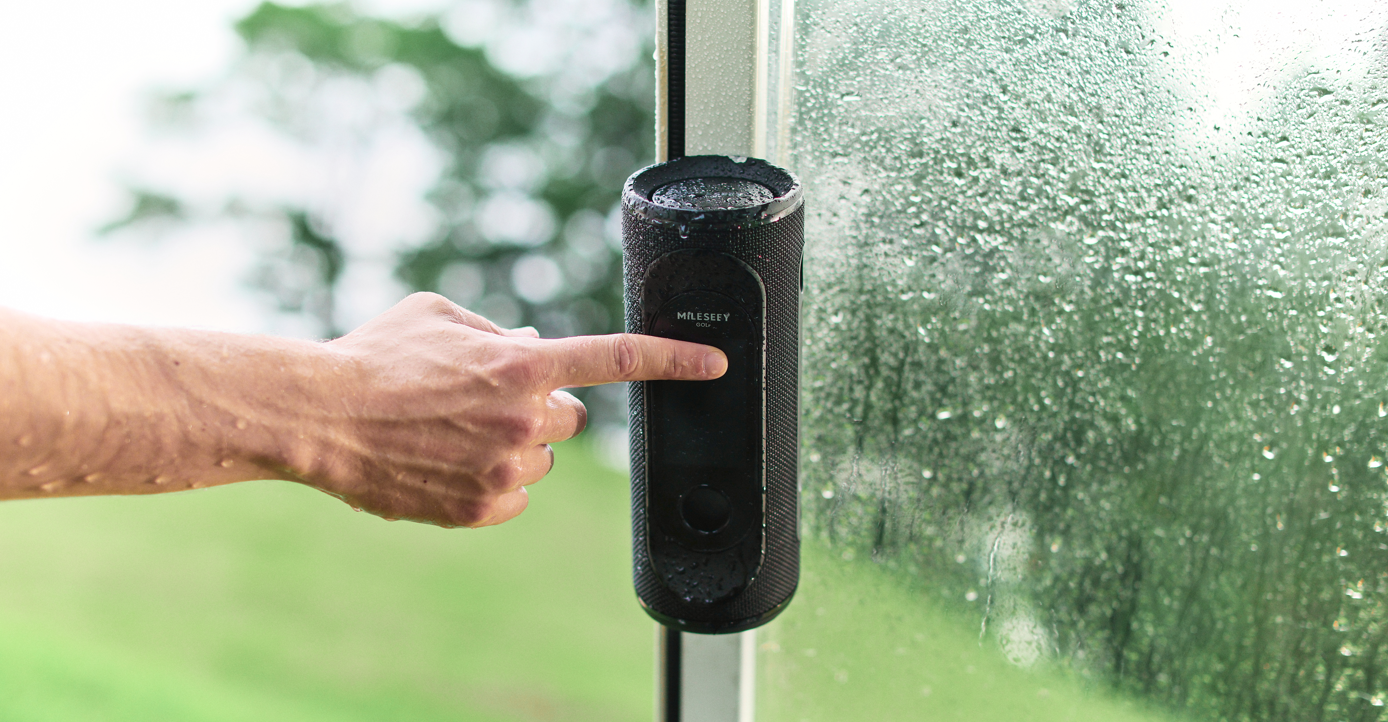
Use the manufacturer’s exact care instructions. MILESEEY lists GeneSonic Pro’s speaker and handheld as IP67 and advises cleaning with a soft, dry cloth rather than applying chemical cleaner directly. The existing article on what IP67 means for golf technology explains the rating in more depth.
Editorial simulation: rain on the 13th tee
This is a hypothetical scenario, not a water test. A shower begins while the speaker is mounted and its charging-port cover is fully closed. The device remains exposed for several minutes, then is wiped after the hole. Later, a player opens the port while moisture is still around the seal to connect a power bank.
The unnecessary risk occurs after the rain. Even when the enclosure has a suitable rating, charging and open-port behavior should follow the manual. Dry the exterior and port area completely, inspect the cover, and wait if there is doubt.
Wet-round recovery checklist
- Power off if the manufacturer recommends it or the device behaves abnormally.
- Remove the device from standing water and wipe it with a soft cloth.
- Keep ports closed until the exterior is dry.
- Do not apply heat, compressed air, or chemical cleaner unless instructed.
- Inspect seals, housing, magnet, and controls for damage.
- Charge only after the device and port are fully dry under current manual guidance.
- Contact support if moisture, distortion, heat, swelling, or charging problems appear.
What usually goes wrong
- Buying to the advertised maximum with no reserve.
- Running full volume because the speaker is aimed away from the cart.
- Leaving the screen at maximum brightness all day.
- Using the speaker as a power bank, then expecting full-round audio.
- Assuming IP67 covers every liquid and pressure.
- Charging immediately after rain.
When a lower-rated or smaller device may be enough
If you play only in dry weather, carry the device in a protected pocket, and value low weight, a smaller product with a more modest rating may be reasonable. Conversely, a high rating cannot compensate for poor controls, short runtime at your actual volume, or an unsafe mount. Balance the complete system.
Buyer’s checklist
- Runtime is stated at a known volume and mode.
- Screen and speaker batteries are documented separately.
- Charge time and charger requirements are clear.
- IP rating is specific, not only “water-resistant.”
- Port covers and cleaning instructions are practical.
- Operating and charging temperature ranges are published.
- Support explains battery calibration, firmware, and wet-use care.
Use the full golf speaker buying guide to combine these checks with GPS, sound, mounting, and etiquette. For placement risk, follow the magnetic golf speaker setup guide. You can compare current integrated and handheld options in MILESEEY’s golf GPS collection; GeneSonic Pro battery and protection specifications are on the official support page.
Before planning power for an offline round, confirm which GPS and music functions still require a phone or subscription.