For golfers comparing a golf rangefinder with smart features, the key question is how information reaches you. Do you want a connected golf GPS device experience that prioritizes concise distances and recommendations, or a touchscreen that shows a fuller course picture before you commit to a target?
Our editorial view: Blue Tees Captain Pro makes more sense for golfers who want Bluetooth-led distances and club guidance in a compact display workflow. GenePro G1 makes more sense for golfers who routinely need to see hazards, green shape, and lay-up positions rather than only receive another number.
What the two designs emphasize
Captain Pro: connected guidance in a rangefinder format
Blue Tees lists Captain Pro as a tour-level Bluetooth model with GPS distances, club recommendations, an OLED display, and a 1,200-yard range. Its appeal is a connected layer that can help a golfer interpret a range reading without converting the device into a map screen.
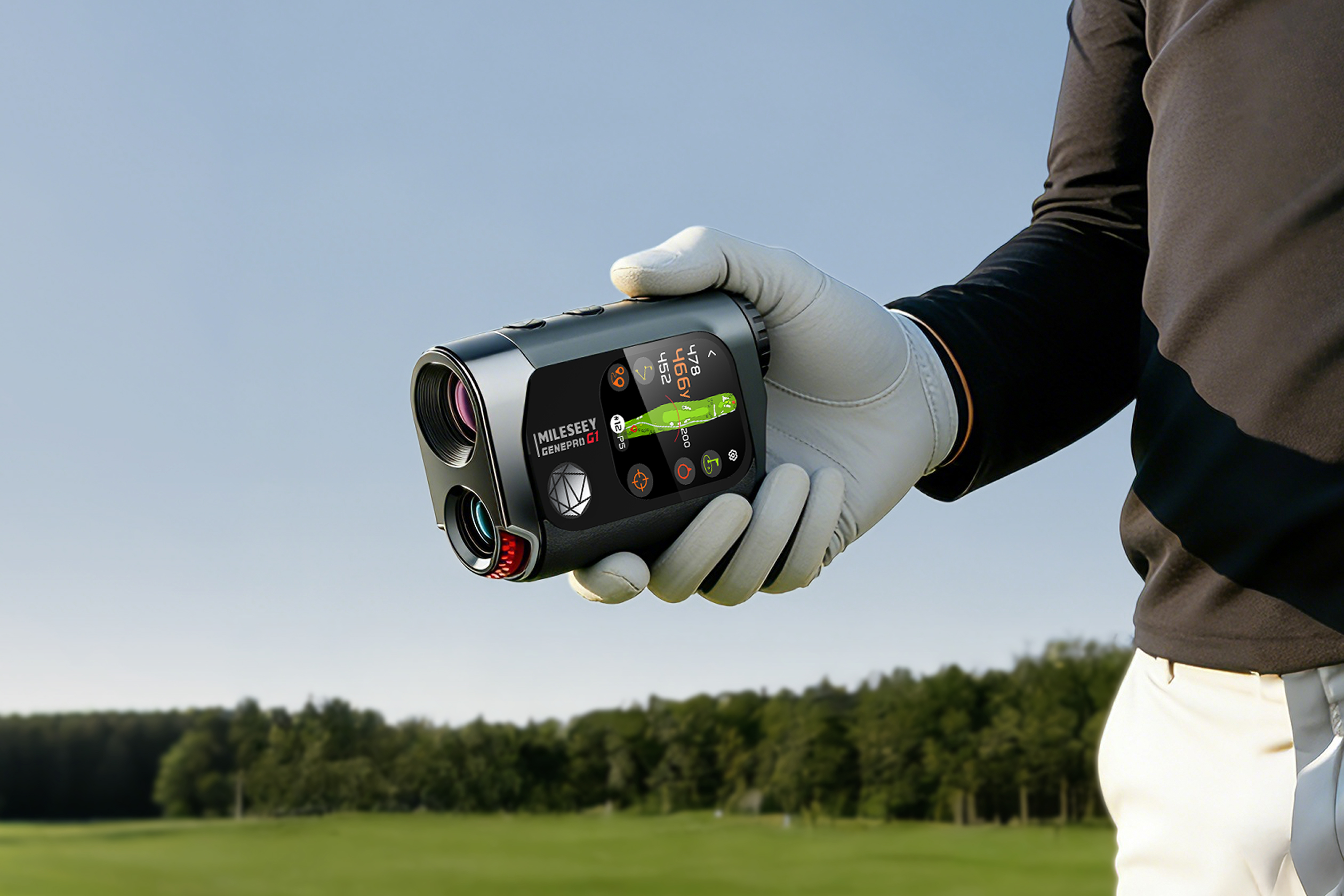
GenePro G1: a fuller view of the hole
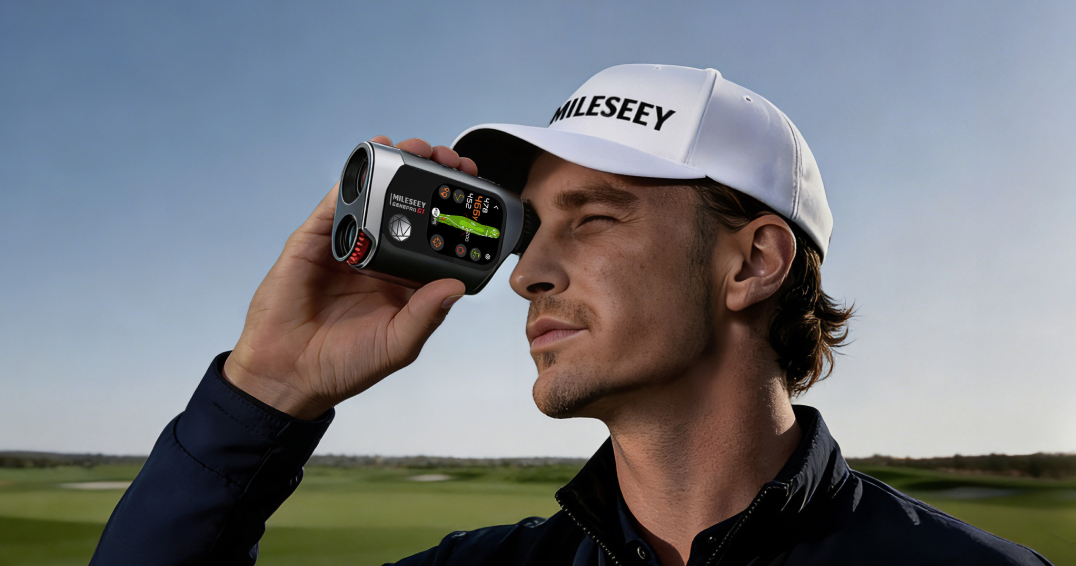
The MILESEEY GenePro G1 pairs laser distance with on-device course views, F/C/B information, hazard and lay-up context, and Ball-to-Pin planning. In an independent MyGolfSpy review, it received a 9.8 overall score for its broad GPS-and-laser coverage, with a reminder that the richer interface is not the best match for a golfer who wants a basic device. That is the honest dividing line.
The practical difference: a recommendation versus a map
Editorial simulation: short-sided on an unfamiliar green
Picture a 155-yard approach with a front pin, water short, and a deep green. A club recommendation can be useful if it aligns with your known carry numbers and conditions. A map with front, center, and back distances can be useful when the safer target is the middle rather than the pin. The right choice depends on whether your usual mistake is choosing the wrong club or choosing the wrong target.
Neither device replaces a personal carry baseline. If you do not know how far your clubs normally fly, automated guidance can look more certain than it really is.
Who should lean each way?
- Choose Captain Pro when: you like an ecosystem-led workflow, want concise data in the display, and prefer recommendations over managing a map.
- Choose GenePro G1 when: you regularly plan around hazards, blind areas, green depth, and lay-up zones, and you are comfortable using a touchscreen on course.
- Choose neither as a first step when: your biggest issue is simply locking a visible flag. A clean laser workflow may solve the actual problem with less setup.
What not to assume from the specification list
Do not infer that more data automatically creates a better club choice. GPS coverage, course mapping, app connection, brightness, and pace of play vary by course and by the golfer’s routine. Check the current product pages for regional availability, app requirements, and any subscription terms before buying.
Related comparisons
Read the full brand-comparison framework, then see how the GenePro G1 compares with the Bushnell Tour Hybrid and the Precision Pro Titan Elite.
Bottom line
Captain Pro is a connected-data choice. GenePro G1 is a map-context choice. Pick the device that gives you the one missing piece of information that repeatedly changes your target or club decision—and leave the rest behind.